

full100 vpn
DESARROLLADOR J.R.Afull100 vpn is an Android Tools app for connecting to a VPN with one tap. Its listing describes a range of servers, per-app VPN selection, and no registration or login, along with broad claims about speed and unlimited usage that this profile cannot independently verify.
App information
- Developer
- DESARROLLADOR J.R.A
- Category
- Tools
- Package name
- com.full100.vpn
- Version
- 1.0.5
- File size
- 46.9 MB
- Requires
- Android Language:
Screenshots
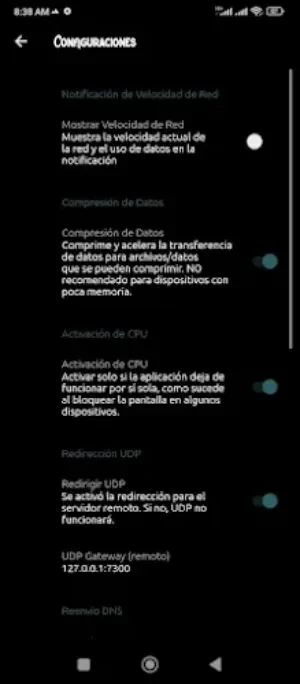
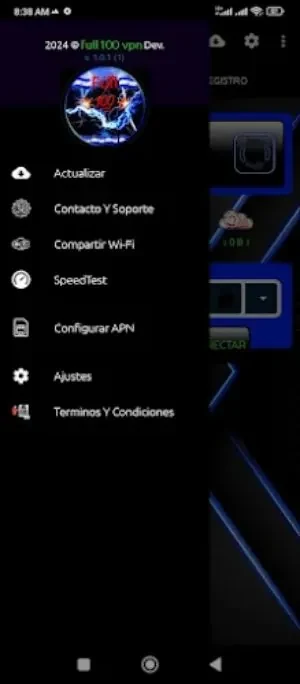
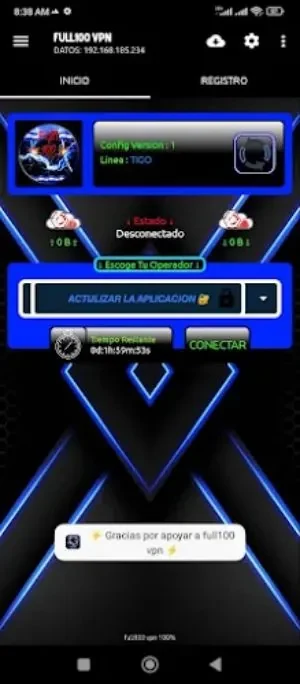
About this app
full100 vpn is an Android app in the Tools category, version 1.0.5, that provides a VPN connection. Its listing presents a simple workflow built around a single connect button, server selection, and the option to route chosen apps through the VPN. The sections below summarize what the listing states and where its claims need to be read as the developer's own description.
What does full100 vpn do?
According to its listing, full100 vpn routes internet traffic through a VPN network so that users can access content and protect their online activity. The description places the emphasis on connecting quickly, without a lengthy setup, and it says the app works without additional permissions. Those points describe the developer's intent and should be checked against the app itself before you rely on them.
Which servers and connection options are described?
The listing says the app offers a wide range of servers in various locations worldwide and that it connects automatically to the best server available when you tap the connect button. The listing does not name specific locations, server counts, or how the best server is selected, so those details remain unspecified here.
Can you choose which apps use the VPN?
The listing states that users can select specific applications on their device to use the VPN connection. This per-app choice lets you decide which software sends its traffic through the VPN network rather than routing everything. The listing does not describe the exact selection interface or any exceptions to this behavior.
Does it require an account or extra permissions?
The listing says there is no registration or login process, so you do not need to create an account or remember a password to start using the app. It also says no additional permissions are required. These are the developer's stated requirements, and they are the most concrete setup details in the listing.
How should the usage and privacy claims be read?
The listing describes unlimited time, data, and bandwidth, and says that no user records are stored. These statements are promotional descriptions from the developer rather than independently verified facts. The listing does not provide a privacy policy, data-handling details, or measured performance figures, so readers who depend on specific limits or privacy guarantees should review those documents directly.
Version history
View all25 Jun 2024 · stable
Frequently asked questions
Who is the developer and which version is listed?
The listing names DESARROLLADOR J.R.A as the developer and shows version 1.0.5 in the Tools category.
Does the listing state supported Android versions?
The supplied listing data does not provide a reliable minimum Android version, so compatibility should be confirmed on the app's store page before installing.