

Free VPN Android Client
[email protected]Free VPN Android Client lets users choose from global VPN server locations and connect through a one-tap interface. Its description also lists encryption, background running, ad blocking, and malware protection among its features.
App information
- Developer
- [email protected]
- Category
- Tools
- Package name
- com.freevpn.app
- Version
- 1.5
- File size
- 13.1 MB
- Requires
- Android Language:
Screenshots
About this app
Free VPN Android Client is for connecting to a VPN server when browsing or accessing content from a different location. The app’s description lists global server choices, a one-tap connection process, and additional privacy-related features.
Choosing a server for browsing or content access
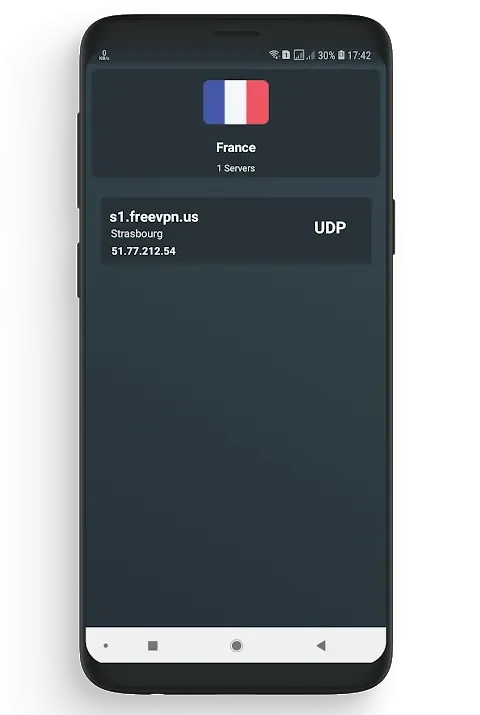
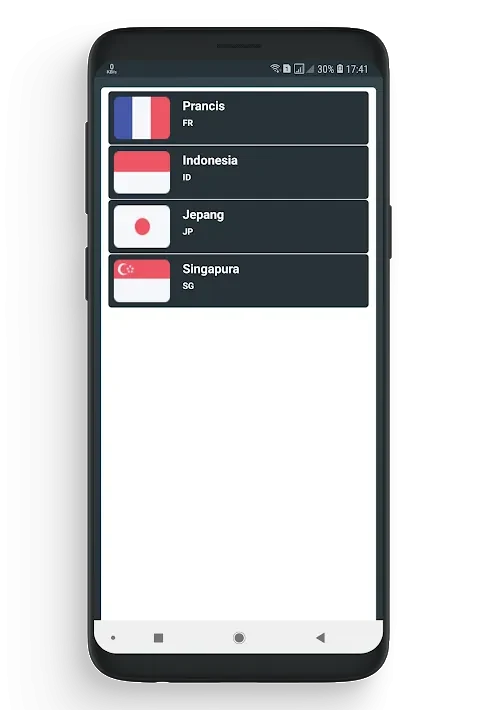
When a different server location is needed, users can choose from the global servers offered by the app. The description identifies accessing geolocation-restricted content and browsing with greater anonymity as possible reasons to use this network. It also suggests trying different locations to compare speed and performance, and says a server near the user may minimize latency. These are selection suggestions, not a guarantee of a particular connection result.
Connecting through the app
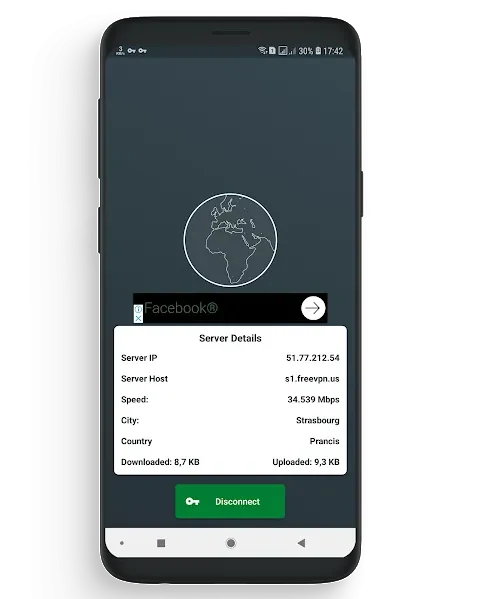
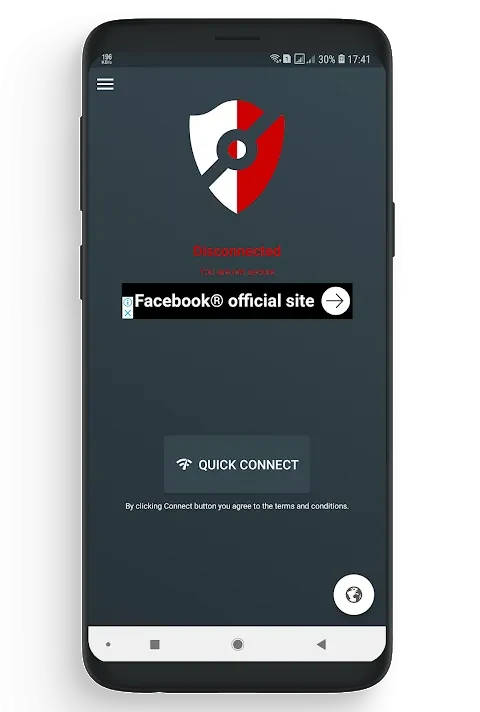
To start a connection, launch the app, select a server location, and tap to connect. The description characterizes the resulting VPN connection as encrypted and says the app encrypts internet traffic. It also presents the interface as a way to connect to a chosen server without a complicated setup sequence. Streaming, downloading files, and gaming are mentioned as activities for which the app aims to provide a fast, stable connection; actual performance is not specified.
Using privacy features and background running
The app description also lists ad blocking and malware protection as integrated features users can enable. It recommends enabling the option to keep the app running in the background when switching between apps or locking the device, so the VPN connection can remain active in those circumstances. These options extend the described use beyond the initial server selection and connection.
Version history
View all12 Aug 2024 · stable