
FL Studio Mobile APK
FL Studio Mobile APK is an Android music-making app for building tracks with instruments, drum pads, and a virtual piano, recording vocals, mixing, and exporting audio in formats including WAV, MP3, and FLAC. It is designed for composing and producing songs directly on a mobile device.
App information
- Category
- Video Players & Editors
- Package name
- com.imageline.FLM
- Version
- 4.6.8
- File size
- 239.5 MB
- Requires
- Android Votes:272
Screenshots
About this app
FL Studio Mobile APK is a music creation app for Android devices, developed by Image-Line. Its core function is letting users build music projects on a phone or tablet, combining instruments, beats, recorded vocals, and mixing tools in one workspace. According to the app description, it suits people who want to compose songs as well as people who create beats for personal entertainment, and it is designed so that users can produce music without studio equipment.
Building tracks with instruments and beats
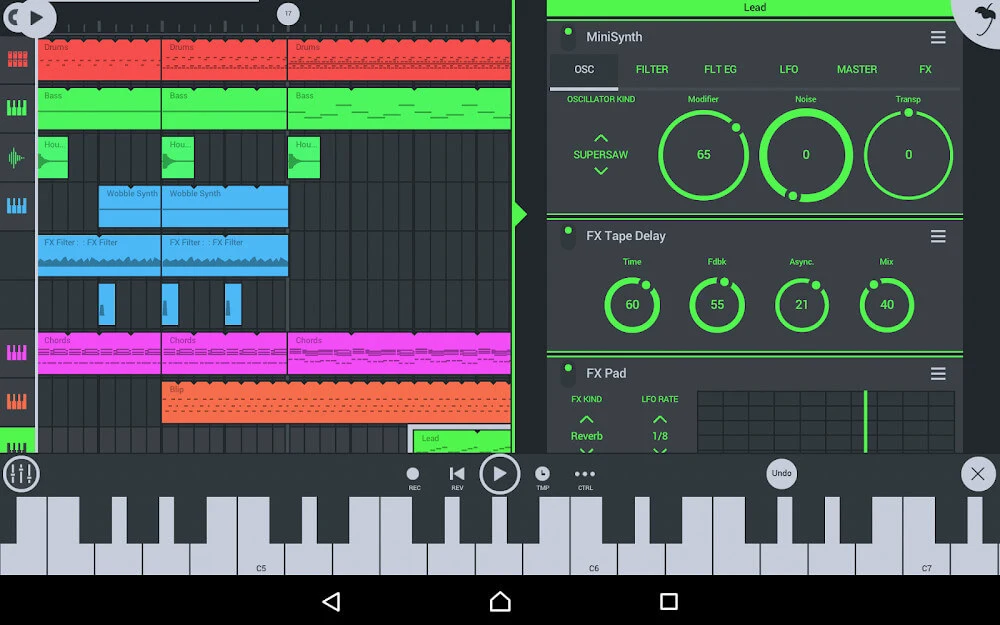
The main production tool is the instrument library. The description says FL Studio Mobile provides more than 133 instruments, including drum sets and loopable beats. Listed instrument families include Bass, Bells, Guitar, Keyboard, Lead, Orchestral, Pad, Sequence, SFX, and Synth. Users can also customize instruments to fit a particular beat, which the description presents as an alternative to working only with a small fixed set of sounds.
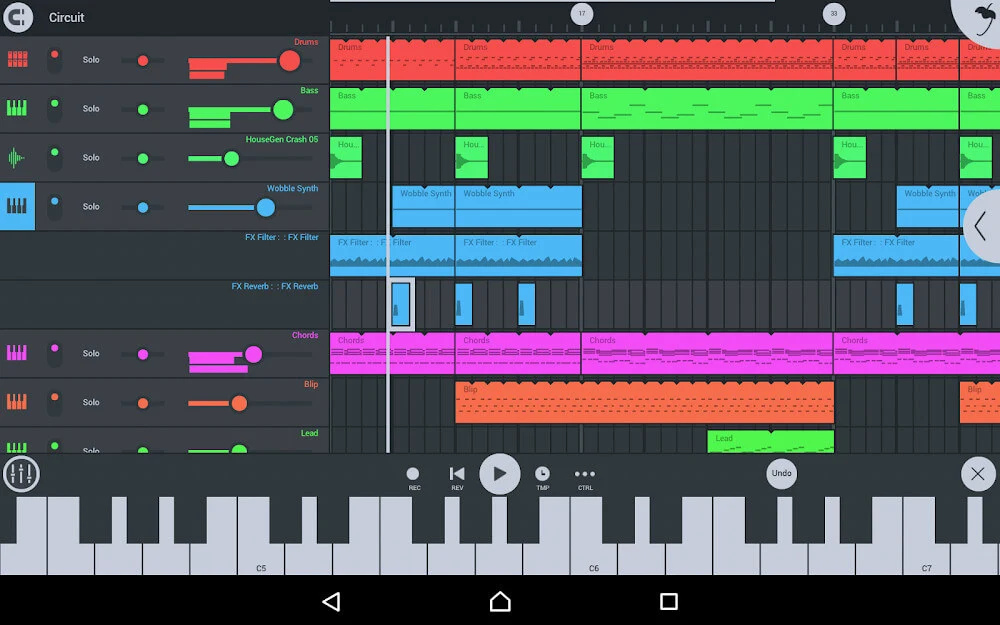
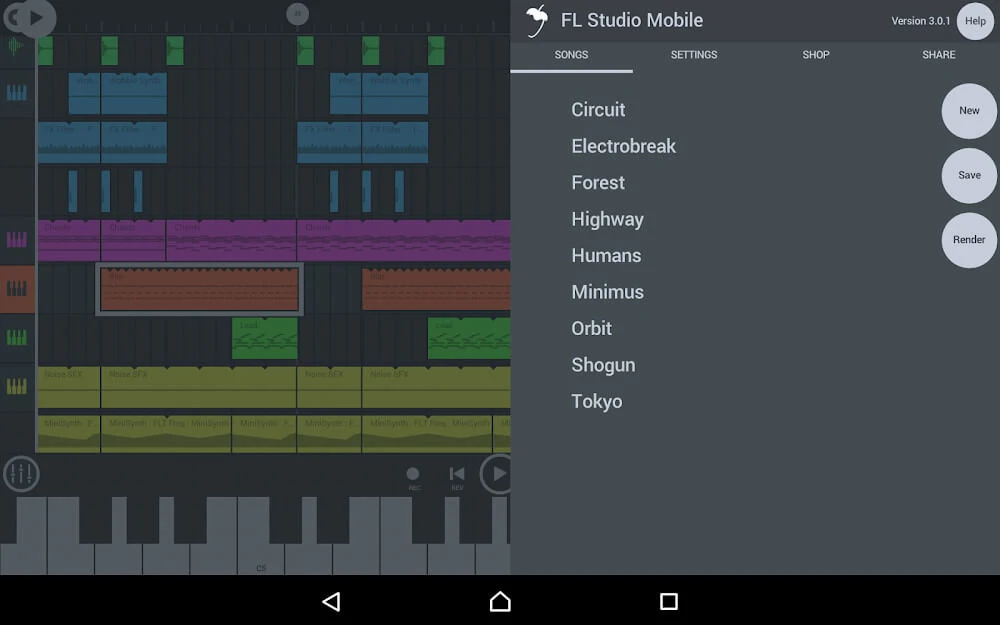
Arrangement happens through a channel and pad workflow. According to the usage steps in the source, users open a new empty template or an existing song, set the tempo and time signature, add a channel with the plus button, and choose an instrument such as drums. Beats are then placed using the pads and arranged in sequence. Playback lets users adjust velocity, panning, pitch, and repetition, and individual instrument properties and levels can be changed. The description also mentions a step sequencer for percussion programming, which supports the same beat-building purpose.
Recording voice and editing sound
Beyond instruments, the app supports recording voice directly into a project. The description states that users can record their voices and export the files as WAV or M4A, and it says this lets singers record without booking a studio. Recorded audio can then be refined, and the source describes the editing tools as including Cut Trim, Normalize, Insert Silence, and Fade in/out for working with sound waves.
For melodic input, the app provides a virtual piano keyboard that the description says can be configured. A Drum Pad is also available for adding rhythm. Together with the recording and wave-editing tools, these controls cover the main ways a user can enter, shape, and polish sound within the app.
Mixing and effects
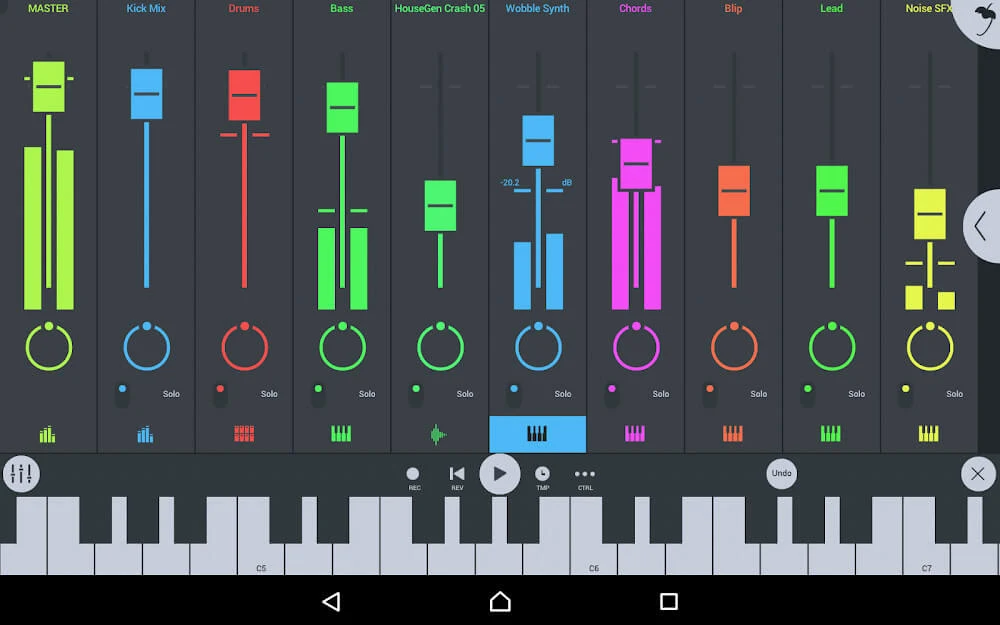
The built-in mixer lists per-track mute, effect bus, solo, pan, and volume adjustment. These controls are intended for arranging the balance and placement of each track within a song. The description links the mixer to arranging a song as intended by the producer.
The effects section names Auto ducker, auto pitch, chorus, limiter, and compressor, and notes that more effects are included. The source describes these effects as a way to enhance music, and it says getting started with them is straightforward. The user review excerpts in the source also mention a desire for a bus or send option for mixing techniques such as sidechaining, which indicates that routing options are a point of interest for some users.
MIDI support and exporting finished work
The app supports MIDI file import and export. According to the description, users with a MIDI keyboard can bring those beats into the app, and MIDI files can also be edited within it. The strengths section adds that the app offers native support for MIDI controllers, which can be used to link sliders, knobs, and instruments. Users can also manage single or multiple tracks when importing and exporting MIDI files.
Finished songs can be saved and loaded as projects. The source lists export options including FLM, ZIP, MIDI, MP3, WAV, and FLAC, and it describes the export quality as high. When saving, the usage steps say users can tap the home button to save a project, use the save option on the songs tab, or choose export options before saving the file to device storage.
Sharing between devices and screen compatibility
The Wi-Fi share feature is described as a way to send projects to other devices. The source gives the example of an Android tablet running FL Studio, where files can be transferred between an Android phone and a tablet in either direction. The description also says file sharing support is available for iOS and Windows.
The source further states that the app is compatible with the full-screen Dex mode and with Chromebook for music editing. It describes the interface as adaptable to a range of screen sizes and resolutions, with a layout intended to be intuitive and customizable. These points describe the app's documented display support rather than guaranteeing the same experience on every device.
Pricing and reported limitations
The description states that advanced features require payment, while simple tracks can be created on a free basis with the features available in that version. Users should check the current store listing for pricing details, since this profile does not confirm specific prices.
Several user review excerpts in the source describe issues that prospective users may want to consider. One reviewer reports being limited to landscape orientation and asks for a bus or send option for sidechaining. Another describes note placement that did not line up with the intended beat position. A third reports that audio glitched and stopped while using AirPods, and that closing and reopening the app restored sound. These are individual user reports included in the source, not verified test results.
Version history
View all26 Jul 2025 · stable