

EveryDollar
EveryDollar is a Finance app for Android that helps users build a budget starting from zero, adjust budget lines, and track spending and recurring bills. The listing also describes an upgraded version with automatic transaction syncing and custom budget reports.
App information
- Category
- Finance
- Package name
- com.everydollar.android
- Version
- 2022.06.10
- File size
- 19.6 MB
- Requires
- Android Votes:180
Screenshots
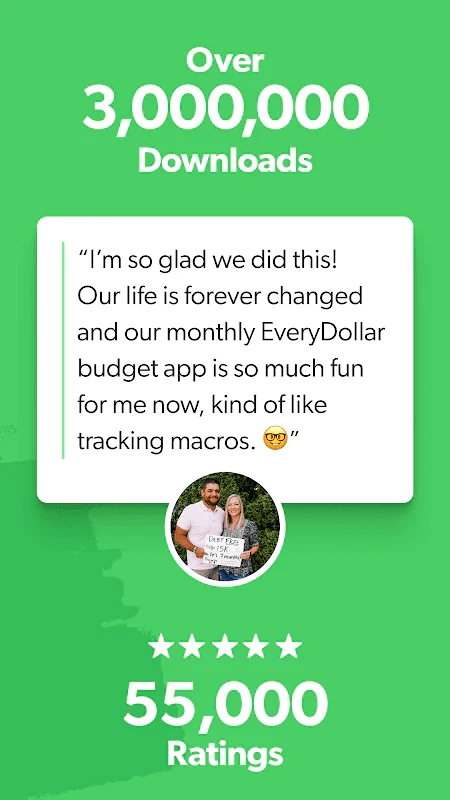
About this app
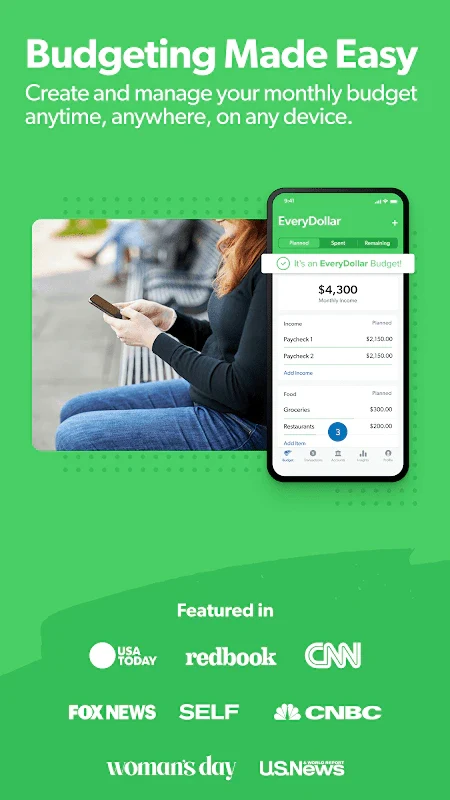
EveryDollar is a Finance app for Android built around one core task: planning a budget from scratch and then tracking expenses against it. Rather than basing financial goals on previous income, the app's approach starts from zero, which the listing presents as a useful method for people who want to reduce unnecessary spending.
Building a budget from zero
The central function is budget creation. According to the listing, users can set up a customized budget in a few minutes, whether they are new to budgeting or already experienced with it. Users can customize budget categories, set spending limits, and adjust their plan as circumstances change. The description also says the app can be used from a computer, phone, or tablet.
Within a month, the listing states that users can adjust budget lines, spending, debt payments, and banknotes. Because the source describes several factors that can raise or lower what a person pays for a product or service, this flexibility is presented as a way to keep the plan current rather than fixed once created. The app also lets users see their remaining budget at a glance, which the listing links to avoiding overspending.
Tracking expenses and recurring bills
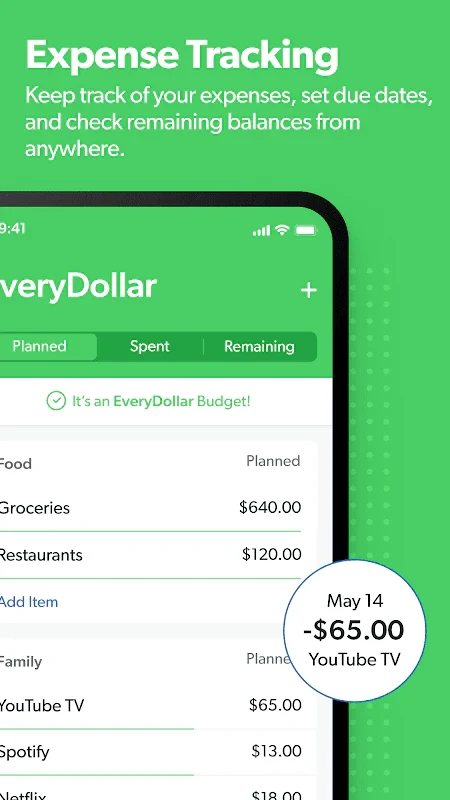
Expense tracking is the second core goal named in the listing. Users can track spending against their budget lines, and the description notes that budgeting also involves keeping track of recurring costs such as monthly bills. For those bills, EveryDollar supports reminders intended to help users pay on time.
Transactions can also be split across multiple budget lines. The listing presents this as useful when a single payment covers more than one purpose. In the upgraded version, the app is described as sending notifications when expenses are ready to be tracked, which the source says helps ensure transactions are not overlooked.
Account connections and automatic transaction syncing
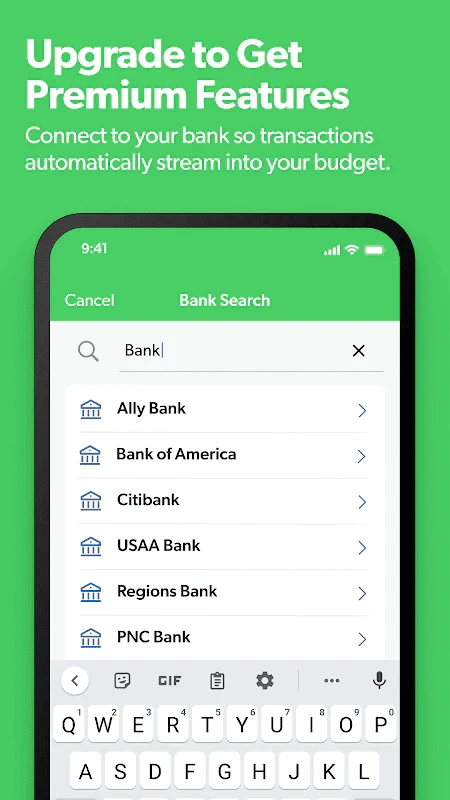
EveryDollar is described as bringing financial accounts into one place. The listing says users can view their budgets alongside checking, savings, retirement, and debt accounts, which reduces the need to switch between several apps. Users can also connect multiple financial accounts within the app.
Automatic transaction syncing is the feature most clearly tied to the paid upgrade. The source explains that connected accounts allow transactions to flow directly into a budget. The FAQ states that users of the paid version, EveryDollar Plus, can sync bank accounts to track transactions automatically. One user comment describes manually entering each transaction when using the free version, which matches the source's distinction between the free and upgraded experiences.
Goals, sinking funds, and savings planning
For savings planning, the listing describes goal tracking. Users can create sinking funds for a major purchase or a future expense and monitor progress toward each goal. The description also refers to visualizing a financial roadmap, though it does not explain how that visualization is laid out.
The listing says that spotting unnecessary expenses can free up money for savings goals. One user comment describes seeing how much was spent on items such as eating out, which the reviewer said made it easier to cut back. The listing also includes average savings and expense-reduction figures, but those statistics are not independently verified in the supplied material, so they are not presented as fact here.
Reports, exports, and recommendations
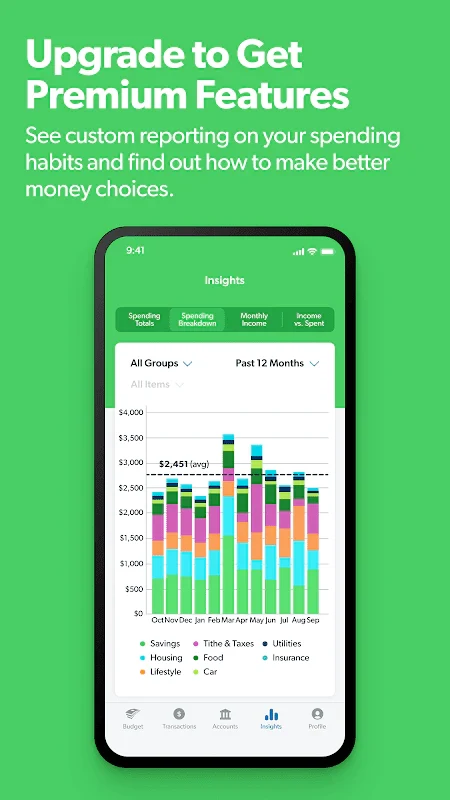
The upgraded version is described as including custom budget reports that show spending and income trends. These reports are presented as a way to support more informed decisions about financial habits. The app can also generate personalized recommendations for expense tracking that may help users identify areas for potential savings.
Transaction data can be exported to Excel. The source presents this as a way to analyze financial data in a familiar format and review spending patterns and budget effectiveness in more depth.
Free and upgraded versions
The FAQ states that EveryDollar offers a free version with limited features and a paid version called EveryDollar Plus. According to the same answer, Plus includes automatic bank transaction syncing, custom budget reporting, and priority support. The feature section of the listing also describes an upgrade path that unlocks automatic transaction syncing, custom budget reports, and personalized expense tracking recommendations.
The supplied material does not provide an official price for the upgrade. One user comment mentions an annual cost of $120, but that is an individual statement rather than a listing price, so it should be checked against current app store information before relying on it.
Support, help resources, and reported limitations
The listing describes customer support from live human representatives, including help with questions about features or setup. Access to the budget is described as available anytime and anywhere across platforms.
User comments also describe limitations. One reviewer said the help section was lacking and that they did not find a real tutorial, so they learned the app through use. Another reported difficulty recording actual received income when it differed from the planned amount, saying the monthly total did not change as the help section suggested it should. The same reviewer said the next month's budget showed incorrect planned income, which they corrected manually. These are individual experiences and are not confirmed by the supplied material as app-wide behavior.
Who the app is designed for
The source says EveryDollar is primarily designed for personal budgeting and can also be used for small business budget tracking. Its listing describes a simple interface for setting up budgets quickly, which the source presents as suitable for people who are not yet familiar with budgeting methods. One user comment describes using the free version with categories that either reset each month as a set amount or roll forward as funds that accumulate unspent money, and notes that the free version met that user's needs, while some users may prefer the premium option for more automation.
Version history
View all25 Jul 2025 · stable
Frequently asked questions
Is EveryDollar designed for personal or business budgets?
The source says EveryDollar is primarily designed for personal budgeting, but it can also be used for small business budget tracking.
Which devices can be used to access EveryDollar?
The listing says EveryDollar can be used from a computer, phone, or tablet, and the FAQ states that mobile apps are offered for both iOS and Android devices.