
DiscDj 3D
DiscDj 3D is an Android music-mixing app built around two virtual turntables and a 3D DJ-console interface. It includes music-library browsing, crossfade and mixer controls, cue and loop tools, sampler features, and remix recording.
App information
- Category
- Video Players & Editors
- Package name
- com.oimvo.discdj
- Version
- v12.2.0s
- File size
- 23.1 MB
- Requires
- Android Votes:441
Screenshots
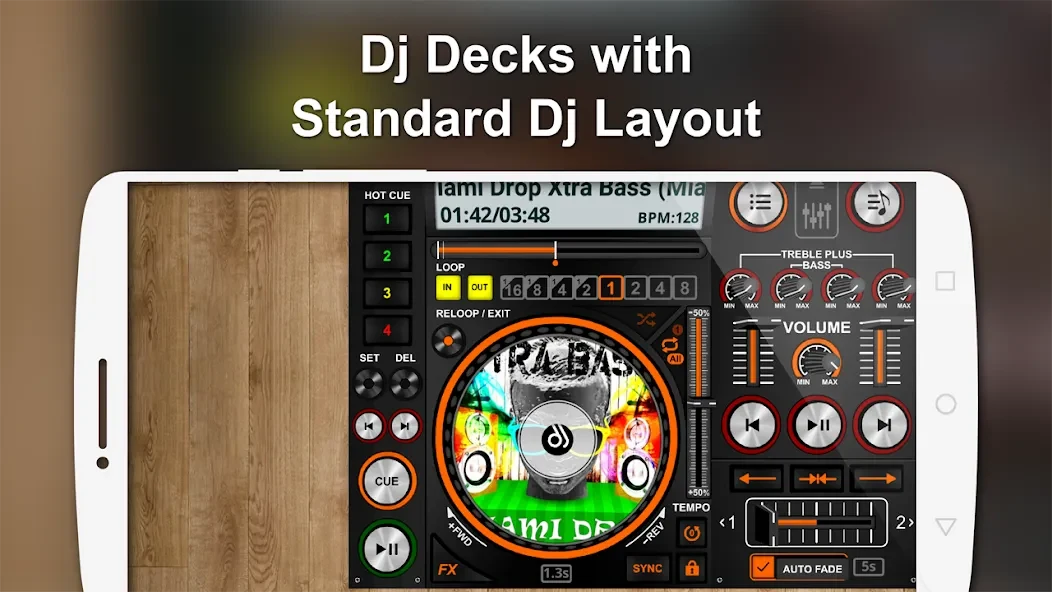
About this app
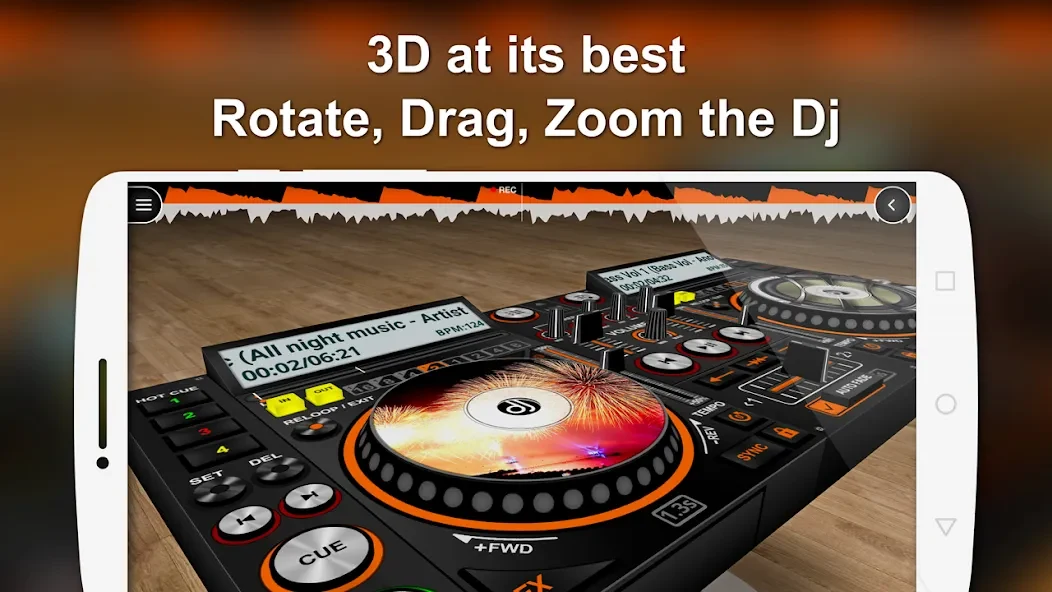
DiscDj 3D is an Android app for playing and mixing music with two virtual turntables. Its interface presents a simulated DJ console that can be viewed from different angles, while its decks and mixer provide controls for playback, transitions, and sound adjustments.
What can you control on the two decks?
Each disc displays album artwork and has basic playback controls. A central control area can play or pause, move to the next track, or return to the previous one on both discs. The app also describes a pitch slider for adjusting playback pitch, along with controls for cues and sound effects. These functions make the decks usable for mixing tracks from a music collection, while keeping basic playback actions available on each side.
How does DiscDj 3D handle transitions between tracks?
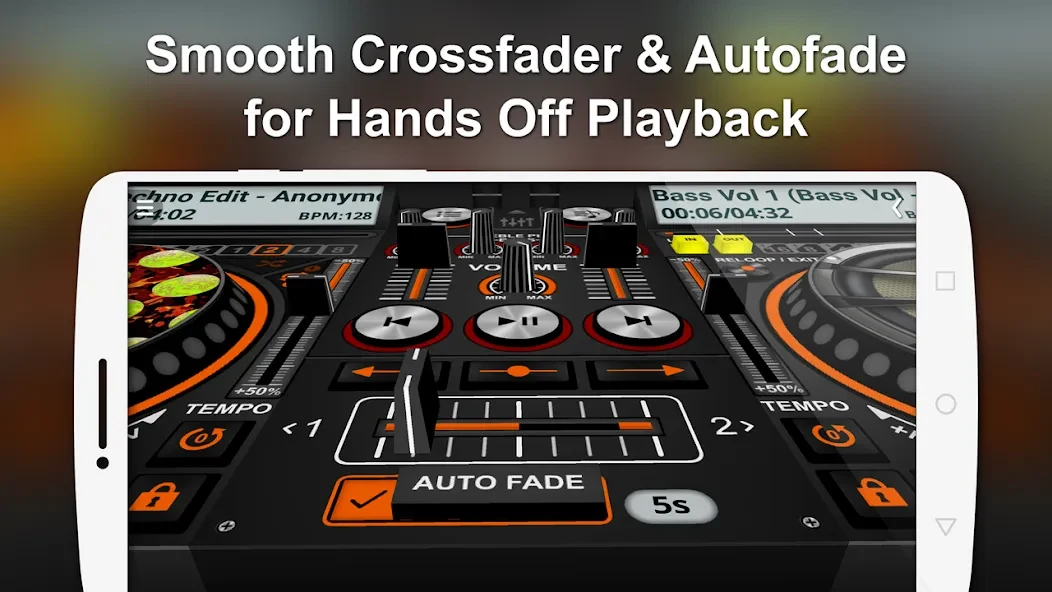
For automatic transitions, Autofade applies a crossfade and has an adjustable timer and an on/off control. Button-click fade provides another fading option when using the playback buttons. Users can also move the song shift slider, or crossfader, manually to control the transition between tracks. The app therefore offers both timed fading and a direct manual control, rather than relying on just one transition method.
What mixing and sound-adjustment tools are available?
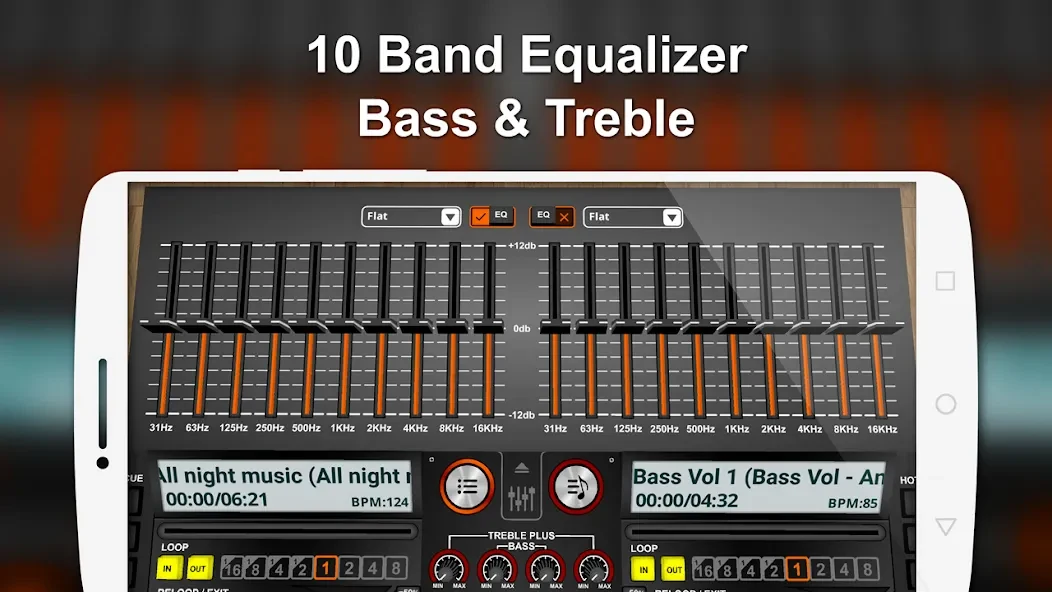
The mixer includes playlist management, volume controls, and an equalizer. The equalizer is described as having multiple bands with adjustable settings. Additional tools include low- and high-pass filters, sound effects, and BPM adjustment. Loop controls include In/Out, Reloop/Exit, and seconds-based modes; playback options include Shuffle, Play All, and Play Single. Four Hot Cues are also listed for marking points in tracks.
How can you find music in your library?
DiscDj 3D can browse tracks by album, artist, folder, composer, genre, playlist, or song. Its more specific browsing options include finding albums associated with a particular artist or genre. This range of categories can help users locate tracks according to how their music is organized, rather than limiting selection to a single song list. The app is described as playing music from the user's collection.
What does the sampler offer?
The described sampler has four sets of audio clips, with six individual samples in each set. Samples have three play modes: Cut Play, Loop, and Stop. The app also includes pre-cueing and pre-listening functions, plus split audio output, for reviewing tracks and arranging music. These tools are distinct from the decks' regular play, pause, previous, and next controls.
Can you save a mix for later?
The app can record remixes for later playback. This gives users a way to keep a recording of a mix they have made, alongside the other listed performance tools. The source does not specify recording formats or where recordings are stored, so those details cannot be established here.
Version history
View all06 Jan 2026 · stable
Frequently asked questions
Can you reposition the virtual DJ console?
Yes. The 3D console can be viewed from different angles by scrolling, and the interface includes controls to lock its position or reset it to the original view.