

Call Recorder Automatic APK
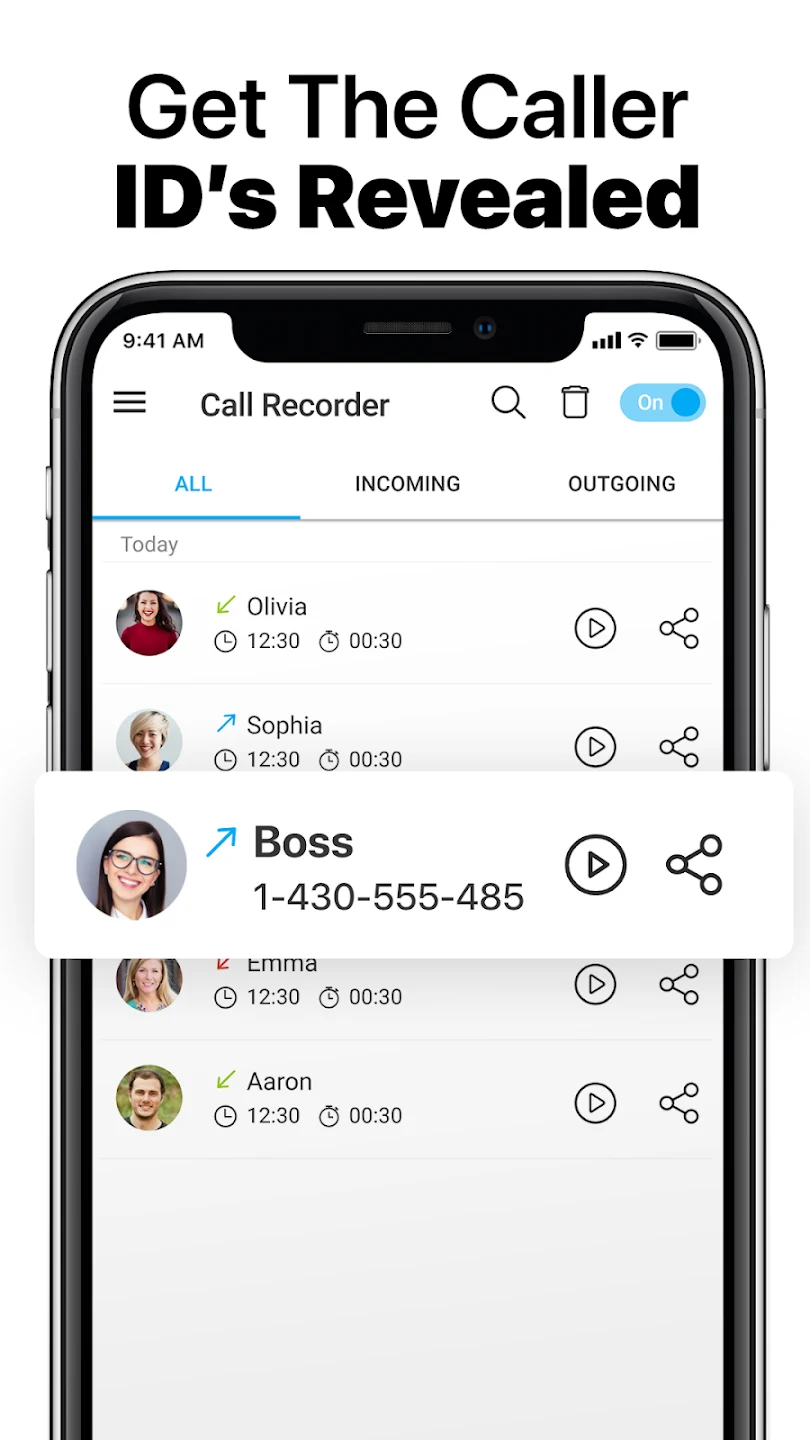
Call Recorder Automatic is an Android app for automatically recording incoming and outgoing phone calls, storing the recordings on the device, and organizing, playing back, or sharing them from within the app. The listing also describes caller identification for unknown numbers and a list of numbers that calls will not be recorded for.
App information
- Category
- Social
- Package name
- il.co.smedia.callrecorder.yoni
- Version
- 1.1.324
- File size
- 19.4 MB
- Requires
- Android Votes:234
Screenshots

About this app
Call Recorder Automatic is designed for people who want phone conversations saved without starting a recording by hand each time. According to its listing, the app records calls automatically, keeps the recordings on the device, and provides tools for finding, playing, and sharing them later. The listing gives version 1.1.324 and places the app in the Social category.
Automatic recording and call direction settings
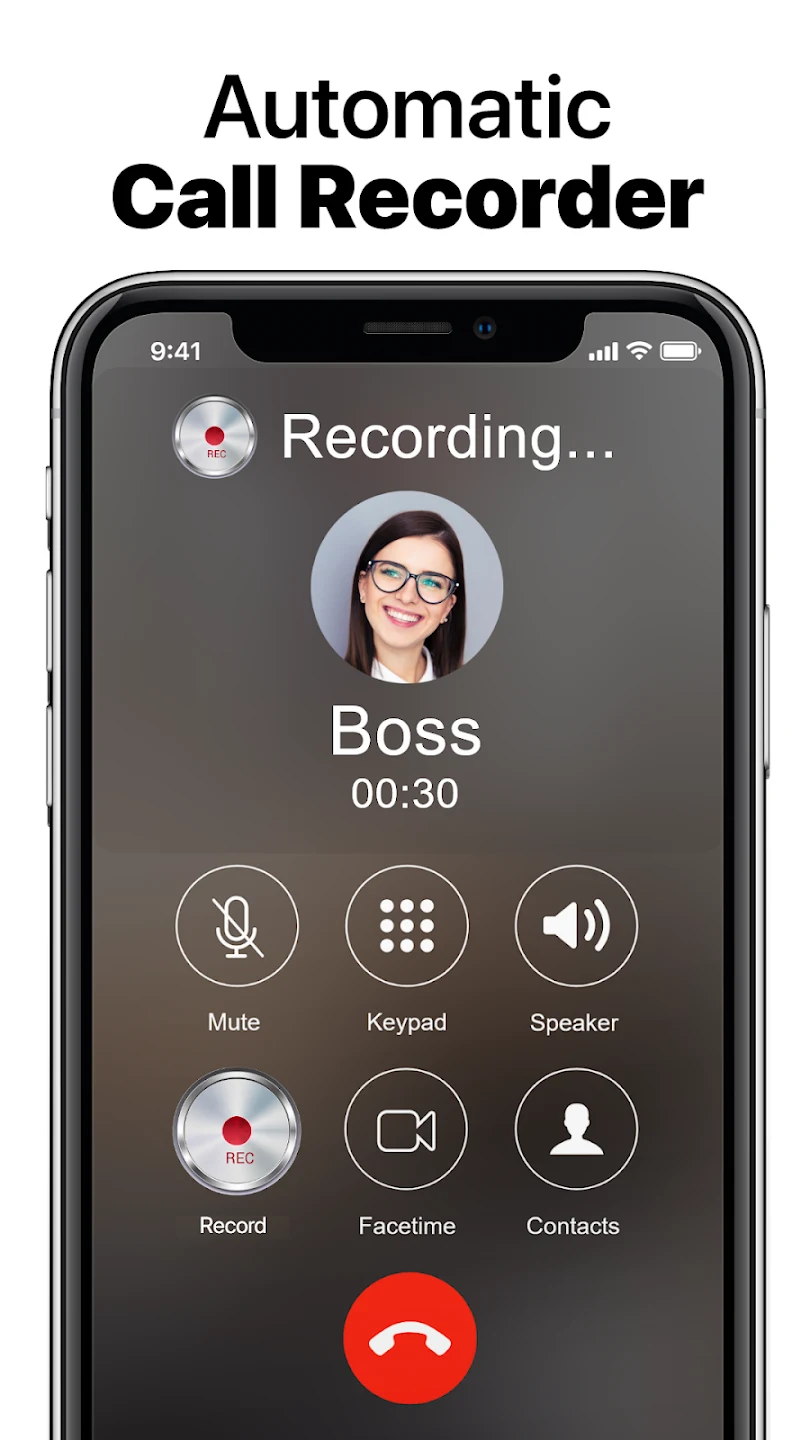
The core function is automatic recording of phone calls. The description states that the app records both incoming and outgoing calls and stores each recording in the device's memory. The setup options let you choose whether to skip incoming calls, outgoing calls, or both, so recording can be limited to the call types you need.
The listing describes the recording quality as high, but it does not give technical details such as supported formats, sample rates, or how audio quality varies between devices. Anyone who depends on recording quality should check the app on their own phone before relying on it.
Caller identification and number lists
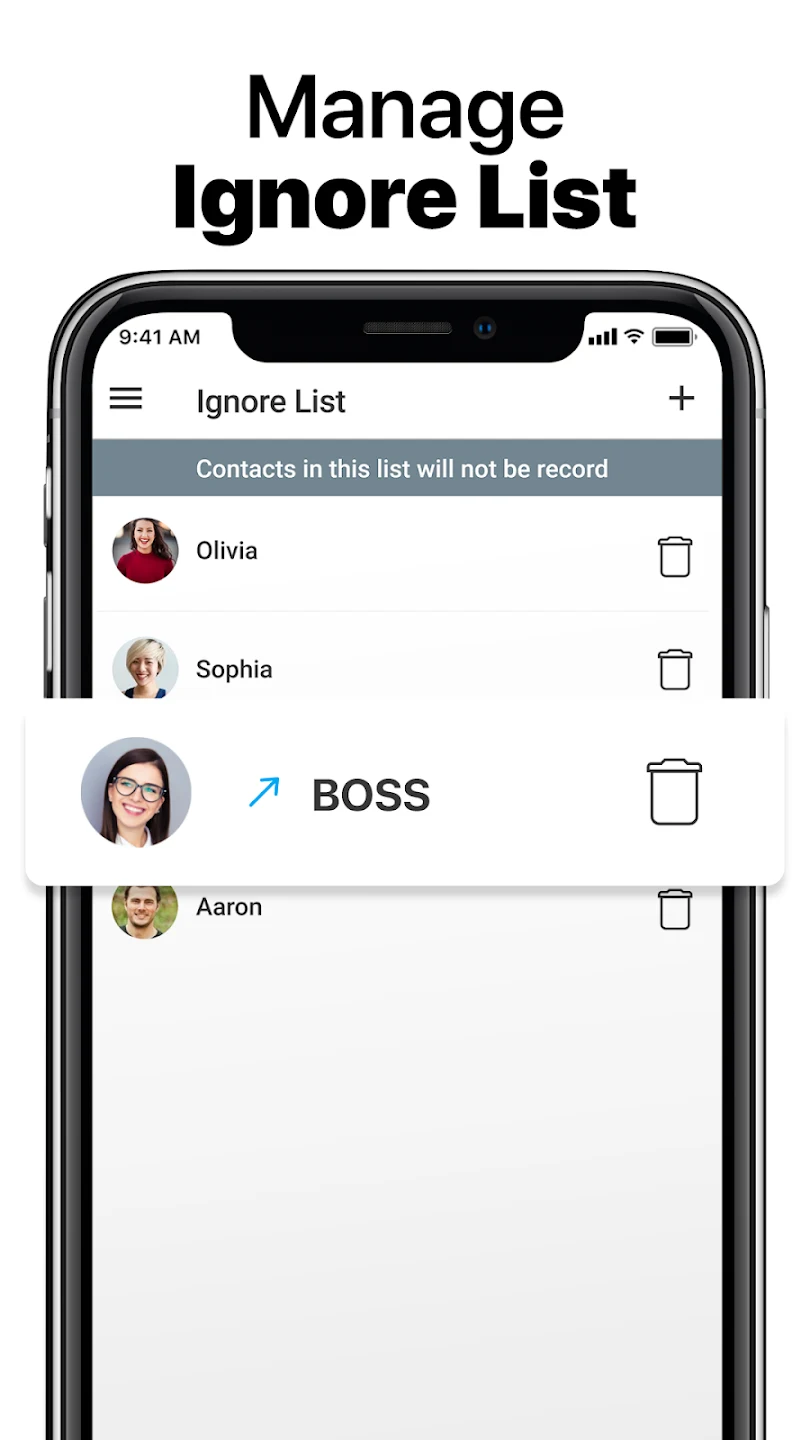
Call Recorder Automatic includes a caller identification feature that, according to the listing, reveals the names or details of unknown callers automatically. The app also has a list of numbers that you can save and manage. Calls from numbers on that list are not recorded. The listing uses several names for this feature, including an ignore list, a skip list, and a whitelist, but it describes the same basic idea: numbers in the list are excluded from recording.
The listing also says a spam blocker tool lets you reject calls more easily. It does not explain how the blocking works, which numbers it targets, or whether it depends on any external database.
Organizing, playing back, and sharing recordings
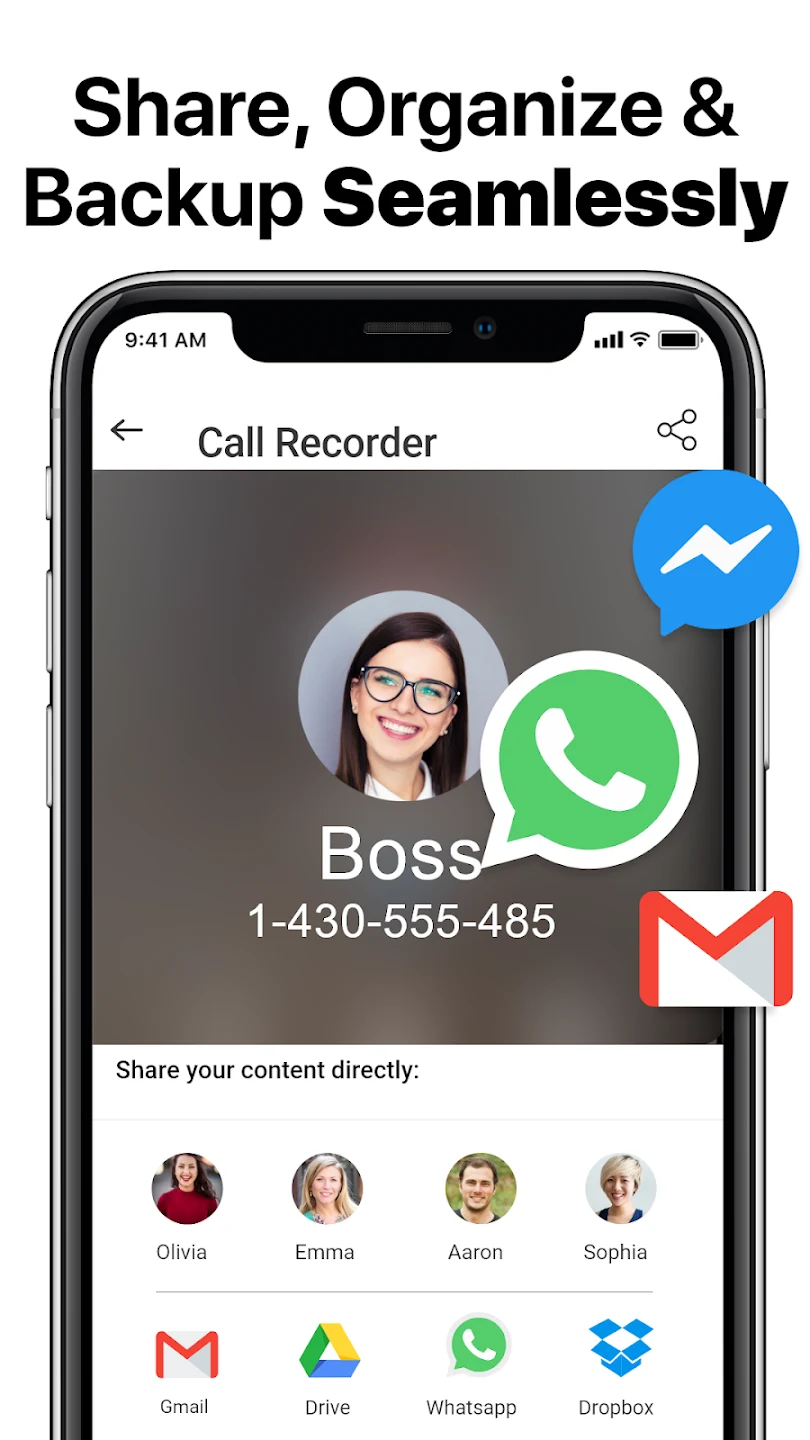
Recordings can be sorted by contact name or grouped by date. Playback happens within the app, and the description says recordings can be shared from there. The listing also mentions backing up earlier recordings and says the description allows uploads to the cloud. It does not name a cloud service, explain how backups are set up, or describe how they are secured. From the settings, you can also delete recordings.
The listing mentions both free access to the call recorder and a pro version that the description says unlocks all features. It does not state the price of the pro version or list which features are included in the free version, so those details should be confirmed in the Play Store listing before installation.
Getting started
According to the listing, the app is installed from the Google Play Store. After installation, you adjust the preferences to enable automatic recording, manage the skip list, and turn on caller identification. Once recording is enabled, the app records calls automatically, and recordings can then be accessed, organized, and shared inside the app.
Version history
View all10 Dec 2025 · stable
Frequently asked questions
Can Call Recorder Automatic skip recording for certain calls?
Yes. According to the listing, you can choose not to record incoming calls, outgoing calls, or both in the setup options, and you can save a list of numbers whose calls will not be recorded.
Can I delete recordings in Call Recorder Automatic?
The listing says that the app's options include erasing recordings. It does not describe the deletion process in detail.
Where does the listing say the app is installed from?
The listing says the app is installed from the Google Play Store and can be set up in a few minutes.