

Browsers For Android
Browsers For Android is a mobile web browser for opening sites, searching, and moving between pages in tabs. It also provides page-viewing controls, bookmarks, and a download manager with progress, pause, and resume options.
App information
- Category
- Tools
- Package name
- com.explorer.quickbrowser.browsersforandroid
- Version
- 6.1
- File size
- 6.8 MB
- Requires
- Android Votes:148
Screenshots
About this app
Browsers For Android is a mobile web browser for finding websites and viewing pages on a phone. Its tabbed browsing and search features support moving between results and open pages, while display controls help users adjust how those pages appear.
Searching and navigating
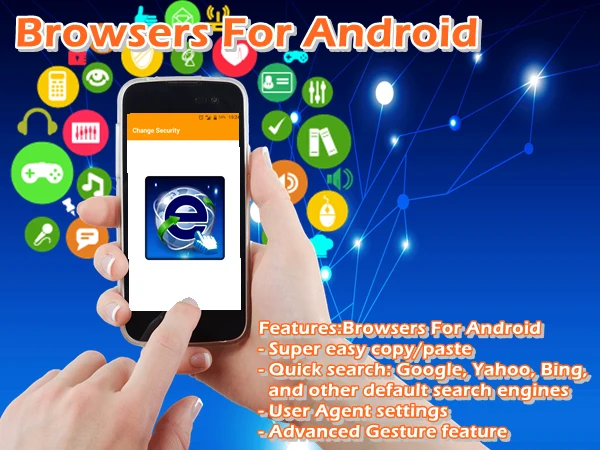
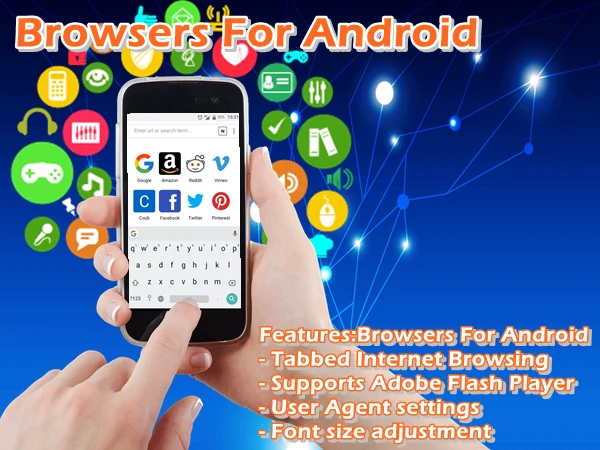
The app lists Google, Yahoo, and Bing among its search options. Search autocomplete offers suggestions as you type, including sites and videos. Tabs let you keep multiple pages open, and copy-and-paste controls help when working with addresses or text. The feature list also includes gestures, user agent settings, and advanced settings, although it does not specify the individual gesture actions or settings available.
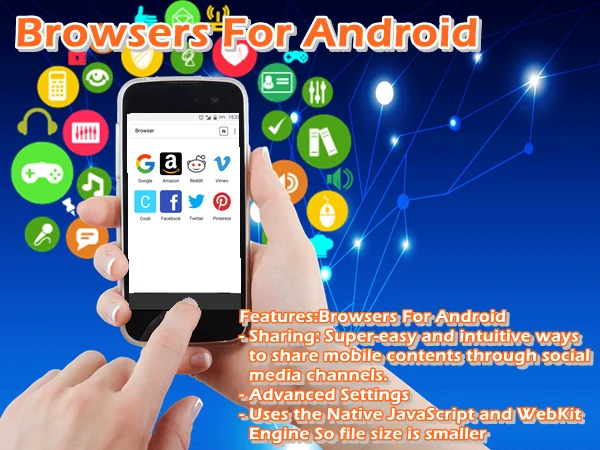
Browsers For Android is described as designed for common mobile connections, including Wi-Fi, 3G, and 4G. Its listed browser technology includes native JavaScript and WebKit, and the source also lists Adobe Flash Player support. These descriptions do not establish how every site or media item will behave.
Adjusting the page view
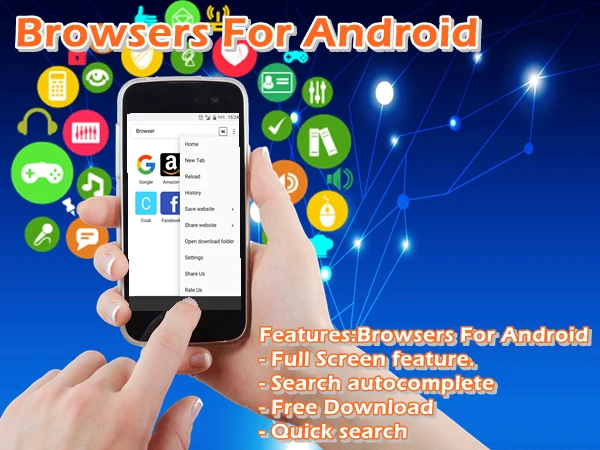
For reading and viewing, users can switch to full-screen mode, use pinch zoom, hide zoom controls, and adjust font size. The interface is described as keeping controls out of the way when they are not needed. These options address how much of a page is visible and how its text appears, without changing the underlying website.
Keeping content and continuing elsewhere
A built-in download manager brings file downloads together in the app. Users can check progress and pause or resume a download. Bookmarks provide a way back to saved sites, and the home screen can be personalized for access to frequently visited pages. The app also lists sharing mobile content through social media channels.
For people who browse on a computer as well as a phone, the described desktop-to-mobile Sync feature brings browsing data from another computer browser to the mobile app. The source does not specify which kinds of data are included.
Privacy controls and availability
Do Not Track can be enabled, and security settings are described as offering choices about what browsing information is stored on the device. These are user controls rather than a guarantee against tracking or malicious sites. The app is described as free to download; the supplied information also says it contains ads and in-app purchases.
Version history
View all06 Jun 2026 · stable