

BlueLine IconPack
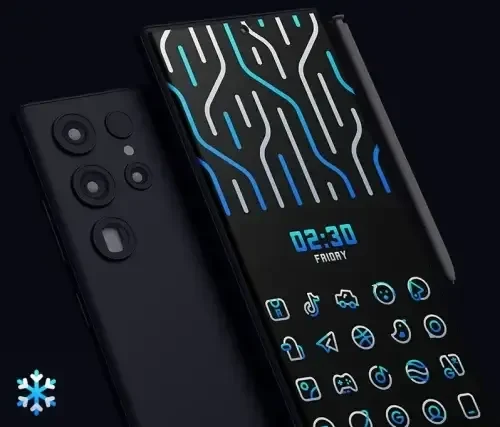
BlueLine IconPack is an Android icon pack in the Tools category, version 2.2, that gives a compatible launcher a blue-tinted look with over 3000 icons and cloud-based wallpapers. It suits users who want to restyle the appearance of their home screen and apps.
App information
- Category
- Tools
- Package name
- com.alphaone.blueline.iconpack
- Version
- 2.2
- File size
- 42.4 MB
- Requires
- Android Language:
Screenshots
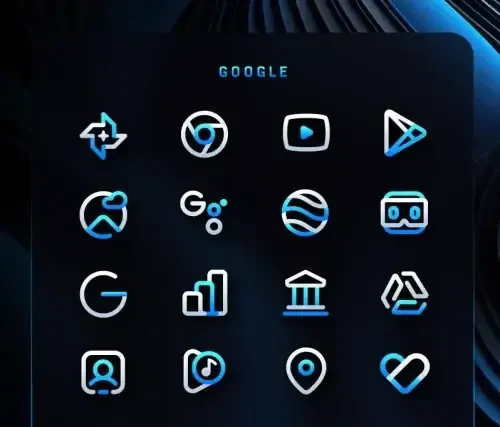
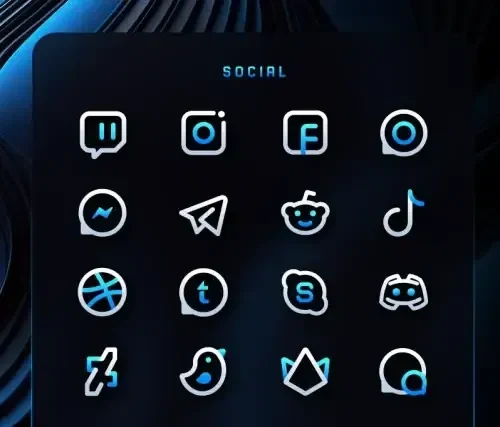
About this app
BlueLine IconPack is an icon pack for Android that changes the look of a home screen by pairing a compatible launcher with a blue-tinted style, more than 3000 icons, and cloud-based wallpapers. It is most relevant when the goal is to restyle how apps and wallpapers appear on the device.
Applying the icon pack to a launcher
The source describes an easy installation process. To apply the pack, the user opens the Icon Pack and clicks Apply. The icon pack depends on a compatible launcher, so a launcher must be in use before the blue-tinted styling can appear. The source says the pack works with a wide array of launchers but does not name them, so users should confirm launcher support themselves.
Choosing icons and wallpapers
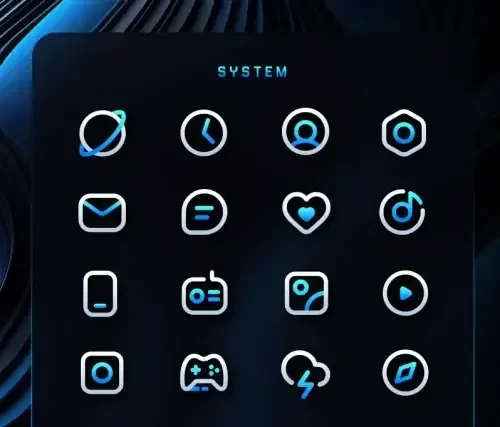
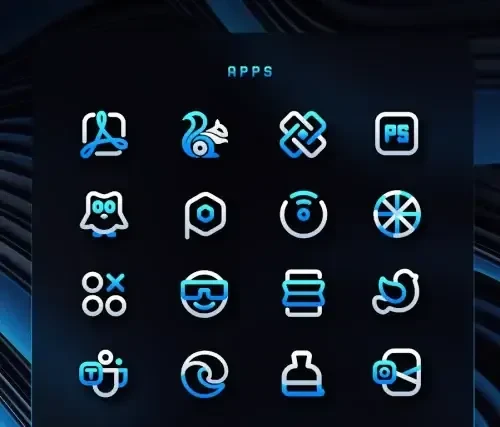
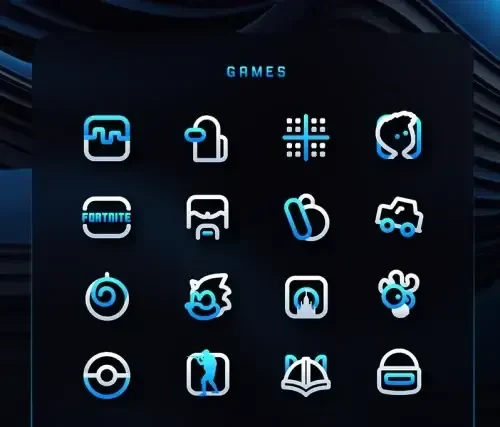
The pack includes more than 3000 icons, which the source describes as meticulously designed for the blue-tinted interface. It also provides a collection of wallpapers delivered from the cloud. For popular apps, alternative icons are available, which can help particular apps match the rest of the set. The source describes frequent updates, so the available icons and wallpapers may change over time.
Calendar and wallpaper integration
The source lists dynamic calendar support and integration with Muzei Live Wallpaper. These features may matter to users who rely on calendar content on their home screen or who use Muzei to change wallpapers. The source does not explain how either integration behaves, so those details should be checked within the app.
Requesting icons and finding help
The app includes a server-based icon request system. The source states that icon requests are welcome and considered for future updates, although it does not promise that any particular request will be added. It also mentions an elegantly designed Material Dashboard without describing its contents. For common questions, the source directs users to the FAQ section within the app.
Version history
View all22 Jun 2024 · stable
Frequently asked questions
Which category is BlueLine IconPack listed under?
The source data lists BlueLine IconPack in the Tools category.
Which version does this profile describe?
This profile describes version 2.2, as listed in the source data.