

AutoDraw
AutoDraw helps users create artwork by recognizing basic shapes and handling later drawing steps automatically. It also provides more than 100 brushes and tools, layered editing, selections, filters, pressure support, and PNG, JPG, and PSD file support.
App information
- Category
- Lifestyle
- Package name
- com.auto.draw.picture
- Version
- 1.0
- File size
- 2.9 MB
- Requires
- Android Votes:597
Screenshots
About this app
AutoDraw helps users turn a basic drawn shape into a more developed piece of artwork through automatic recognition. Instead of requiring every stage of sketching, coloring, and refinement to be completed manually, the app is designed to interpret the form supplied by the user and produce a clearer result. It can recognize hundreds of different patterns, making it suitable for quick visual exploration as well as casual drawing.
Automatic drawing from simple shapes
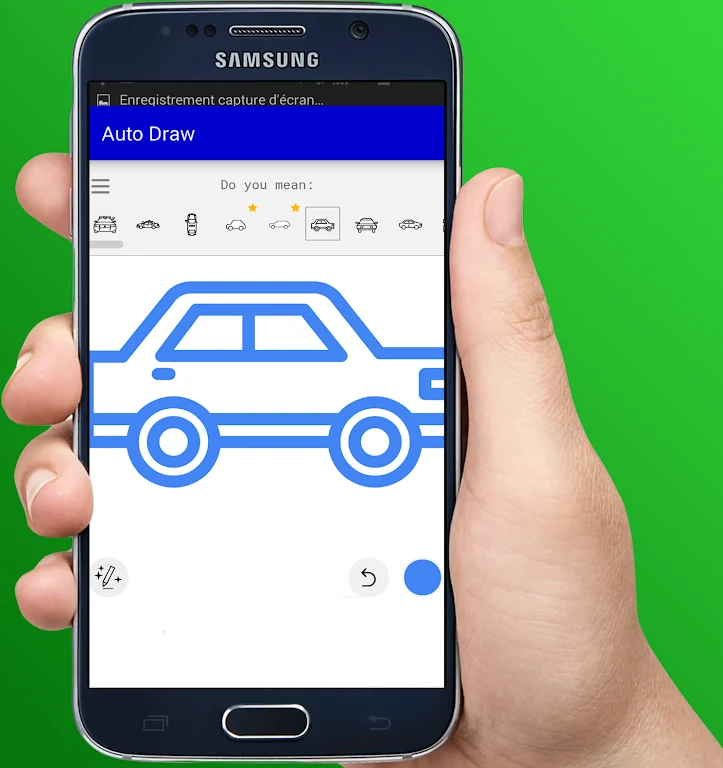
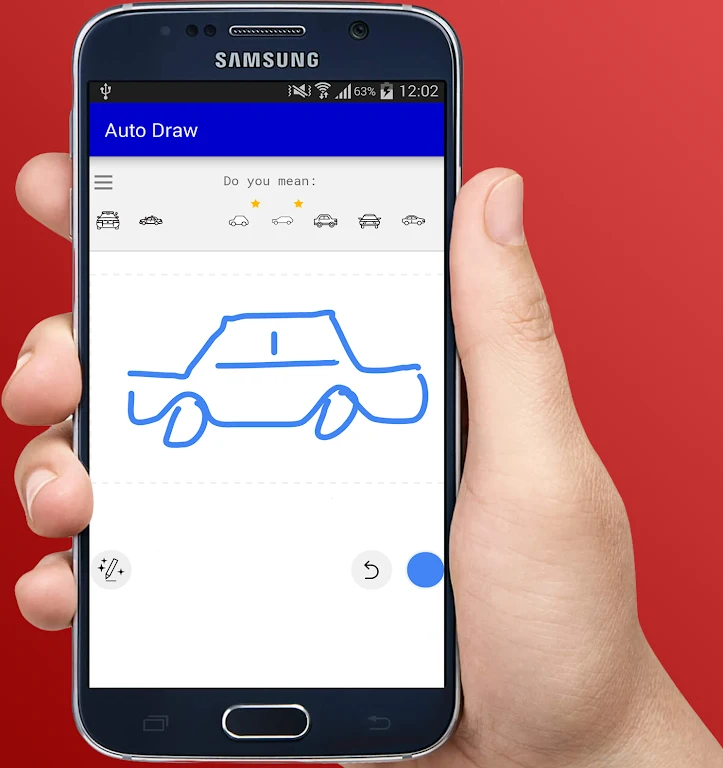
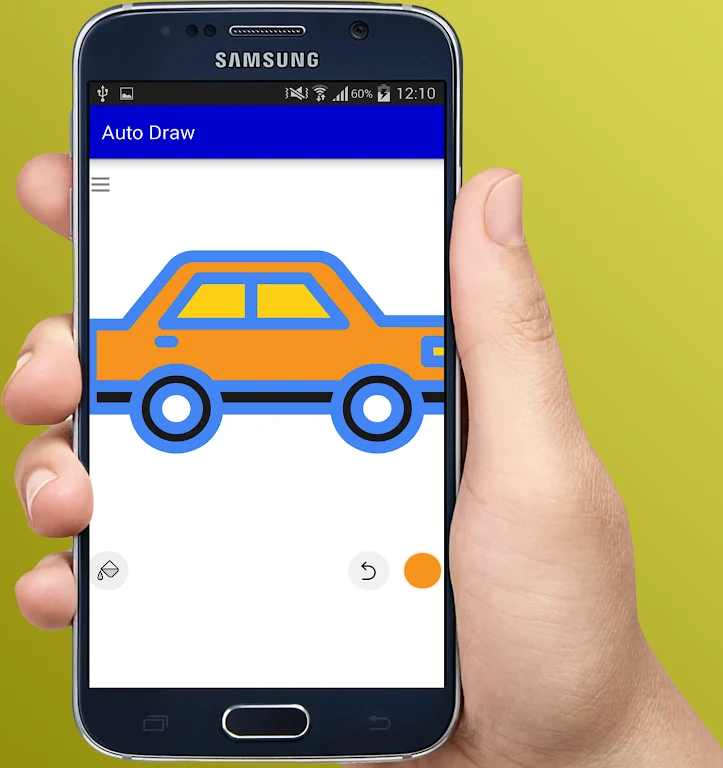
The central workflow begins with a simple line or shape that represents what the user wants to create. AutoDraw then handles subsequent parts of the drawing process, reducing the amount of manual coloring and refinement required. This approach focuses on expressing an idea rather than demanding advanced technical drawing skills, so beginners and users making quick visual drafts can work from their intended subject.
The automatic drawing function is supported by a collection of more than 100 brushes and tools. These include smudge tools and gradient fills, giving users ways to adjust or develop artwork beyond the initial automatic result. The app also allows custom brushes to be created from imported images, which adds another option for applying personal source material to a drawing.
Layered editing and image adjustments
For projects that need more control, AutoDraw supports canvases listed at up to 6144 by 6144 pixels and more than 50 layers. Selection tools and selection masks can isolate parts of an image, while layer clipping masks help constrain edits to particular areas. These functions let users separate elements and make changes without treating the entire canvas as one undivided surface.
The app includes 10 layer filters, with examples such as HSV adjustments, brightness and saturation controls, and color curves. These tools provide ways to change the appearance of selected layers or other editable content. The drawing engine is described as GPU-accelerated, and the interface follows a Material Design-inspired approach intended to keep drawing controls easy to use.
Stylus, touch, and file support
AutoDraw supports stylus pressure and NVIDIA DirectStylus input. It also includes touch pressure simulation and an anti-accidental-touch feature intended to reduce unwanted zooming and panning while drawing. For moving work between editing environments, the app supports importing and exporting PNG, JPG, and PSD files, including Photoshop documents.
Version history
View all08 Jun 2026 · stable