
AR Art Projector: Da Vinci Eye
AR Art Projector: Da Vinci Eye helps Android users trace, sketch, and paint from reference photos using augmented-reality and classic projection modes. It combines image overlays, color-based layers, filters, zoom, tutorials, time-lapse recording, and artwork sharing in one drawing-focused app.
App information
- Category
- Education
- Package name
- com.cubemg.davincieye
- Version
- 1.7.4
- File size
- 9.5 MB
- Requires
- Android Votes:228
Screenshots
About this app
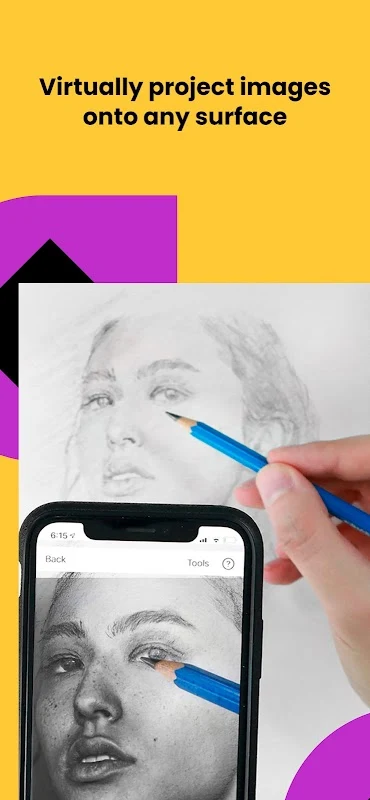
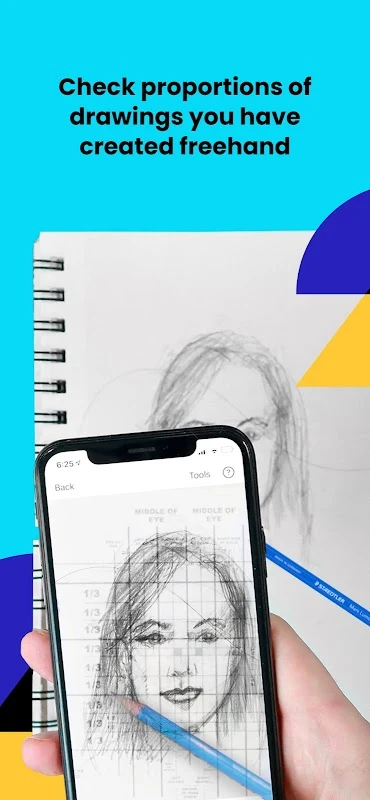
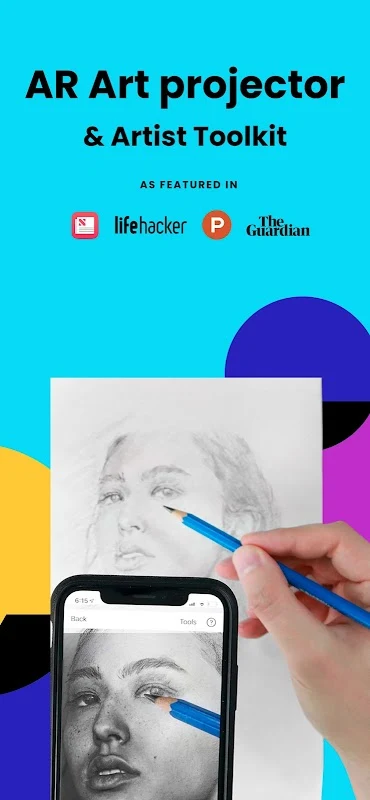
AR Art Projector: Da Vinci Eye helps Android users trace, sketch, and paint from reference images with augmented-reality and classic projection tools. The app is designed for working from photos or other images while drawing on a physical canvas, making it possible to study proportions, shapes, and small visual details during the process.
Start with a photo or reference image
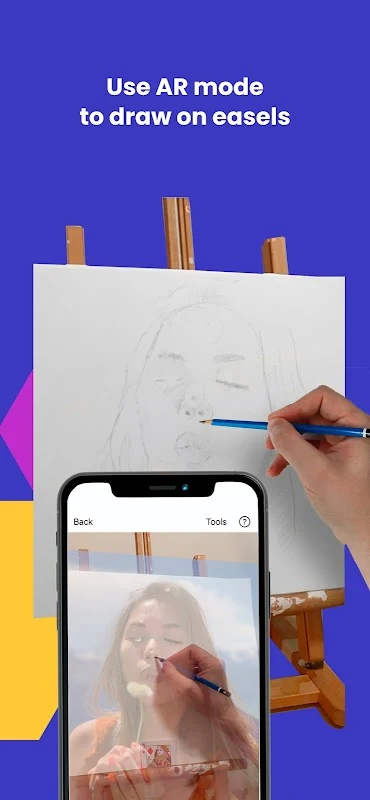
You can create a sketch or painting based on a photo and use the app as a visual guide while working. The image can be viewed through an overlay, and the strobe control lets you switch the reference image on and off to compare it with the drawing. This comparison is useful when checking the work during different stages instead of relying on the reference continuously.
The app also includes a zoom function activated with a pinch gesture. Zooming provides a closer view of small features in the source image, which can help when a drawing includes fine or intricate details. Filters are available as additional visual controls for adjusting how the reference is presented while you draw.
Choose between AR and Classic modes
AR Tracing Mode anchors the image to a real-world object. When the phone or canvas moves, the projected image is intended to remain aligned with the drawing surface. This mode is described as especially useful for sketching, painting, and oil painting on an easel.
Classic mode works like a conventional art projector. It can provide a similar reference effect, but moving the phone or canvas causes the sketch and projected image to become misaligned. The choice between the two modes therefore depends on whether anchored positioning is needed for the drawing setup.
AR mode requires a camera capable of providing a clear view, along with a sufficiently fast processor and GPU for rendering and updates. The source describes it as working best on newer high-end devices, so the AR experience can depend on the Android device's hardware.
Break images into useful references
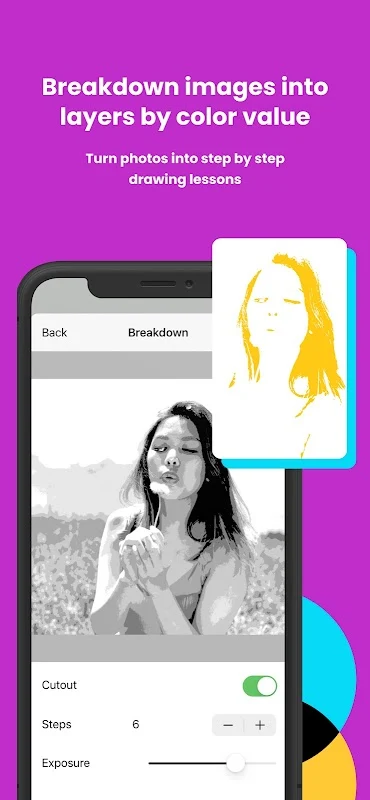
Da Vinci Eye can divide an image into layers based on color values and display those areas on the canvas. It can also break an image down into step-by-step instructions. These tools provide different ways to study a reference: color layers can isolate parts of the image, while guided steps can help structure the drawing process.
Learn, record, and share artwork
The app includes video tutorials covering sketching and painting, giving users instructional material alongside the tracing tools. It can also record time-lapse videos of paintings and sketches, allowing the progress of a project to be captured as it develops.
Completed work can be shared with the app's community and distributed through social media platforms or email. Together with the reference controls, tutorials, recording feature, and sharing options, these functions support a workflow that moves from studying an image to creating, documenting, and presenting the resulting artwork.
Version history
View all09 Dec 2025 · stable