

일베저장소 (일간베스트)
일베ILBE일베저장소 (일간베스트) is a mobile web app listed under Communication, with file upload, file storage, full-page screenshots, shortcut customization, and a fingerprint-capable password lock. The listing also describes landscape mode, browsing history controls, Flash playback through a separate player, and image zoom.
App information
- Developer
- 일베ILBE
- Category
- Communication
- Package name
- com.lucca.ilbe6
- Version
- 2.00
- File size
- 1.8 MB
- Requires
- Android Language:
Screenshots
About this app
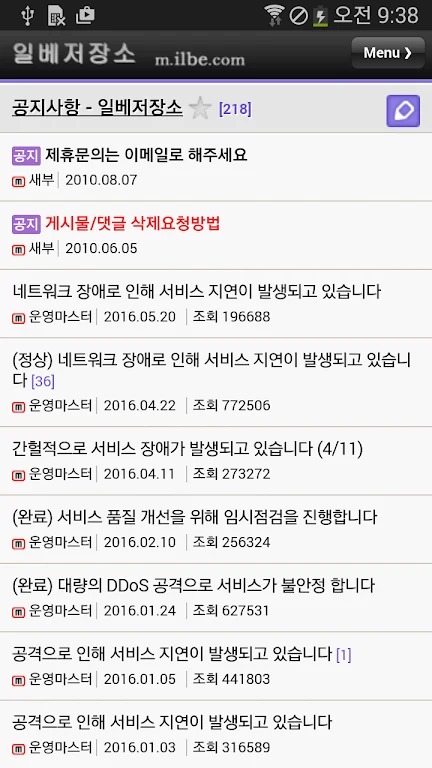
일베저장소 (일간베스트) is an Android app that the listing describes as a mobile web app. It is designed to let users browse, save files, and capture pages from within a single app, with several settings for privacy and personal layout. The listing presents it under the Communication category and gives its version as 2.00.
Saving and accessing files
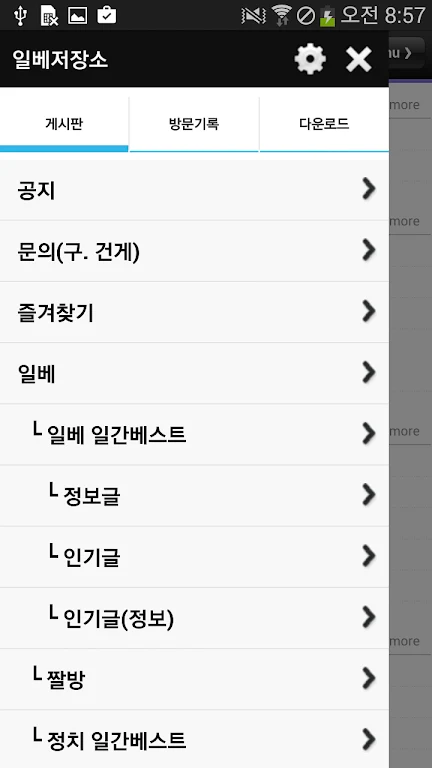
The app supports file upload, so users can send files through it. The description notes an exception: file upload is not available on certain older Android devices because of an Android error. Saved files can be opened from the app's menu, which gives users one place to find what they have stored.
Capturing pages and images
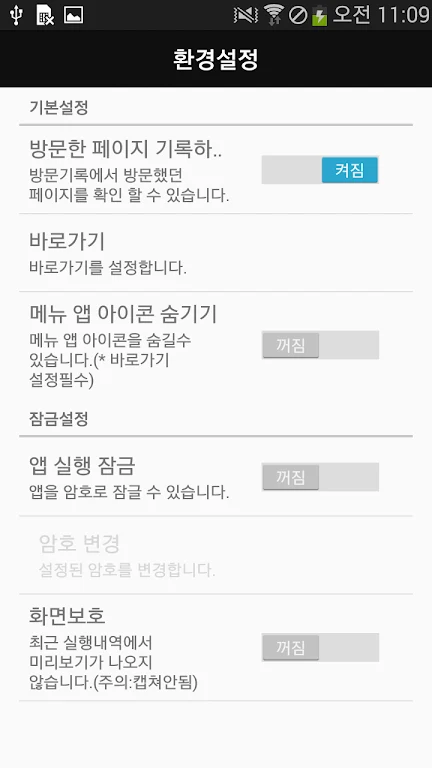
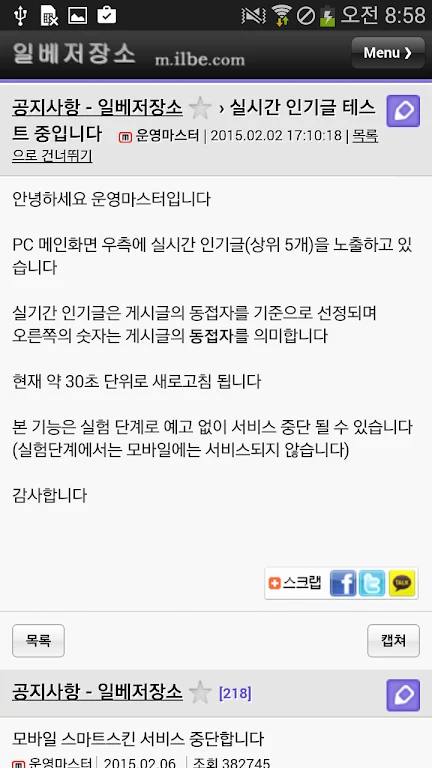
A full screenshot feature captures the entire screen, including the comments at the bottom of a page, rather than only the visible portion. For a closer look at pictures, selecting an image opens it in a new window with zoom support. A separate recent activity preview protection setting stops the Android default screenshot function from capturing recent activity previews. According to the listing, this setting does not block the app's own full screenshot feature.
Locking the app and arranging shortcuts
A password lock can be turned on to restrict access to the app. The listing says it can also be unlocked with a fingerprint. Users can add shortcuts to favorite sections or features inside the app, so frequently used areas are easier to reach.
The app icon can be hidden from the home screen, and the app is then launched only through shortcuts. This setup depends on those shortcuts. The description states that if the shortcuts are deleted, the app must be reinstalled to restore access.
Browsing settings and playback
Landscape mode is supported, so the app can be viewed with the device rotated horizontally. Browsing history can be managed and controlled through the settings. Flash (SWF) content can be played when the MX player is installed, according to the listing.
Listing details to note
The developer is listed as 일베ILBE. The supplied listing does not provide a clear minimum Android version, so compatibility beyond the file upload exception mentioned above should be checked on the device itself. The description also invites feedback and suggestions through its comments section.
Version history
View all22 Jul 2024 · stable
Frequently asked questions
Does the app support Flash content?
The listing says Flash (SWF) playback is supported when the MX player is installed on the device.
What should I do if I delete the shortcuts after hiding the app icon?
According to the description, the app must be reinstalled if the shortcuts are deleted, because the icon is hidden and the app is launched only through shortcuts.
Can the password lock be opened with a fingerprint?
Yes. The description says the password lock can be unlocked using a fingerprint for added convenience.
Does the full screenshot feature include comments?
Yes. The listing says the full screenshot feature captures the entire screen, including comments at the bottom of the page.