

Alpaca Dashboard
AlpacaDB, Inc.Alpaca Dashboard provides a view of investment performance, buying power, positions, and daily orders. Users can also manage API access, cancel orders, liquidate positions, and place stock buy or sell trades.
App information
- Developer
- AlpacaDB, Inc.
- Category
- Finance
- Package name
- app.alpaca.markets
- Version
- 3.0
- File size
- 20.2 MB
- Requires
- Android Language:
Screenshots
About this app
Alpaca Dashboard is an Android finance app for viewing investment activity and managing account actions. Users enter an API Key ID and Secret Key to access tools for monitoring algorithms, performance, buying power, positions, and orders. The app also provides controls for handling orders and positions or placing stock trades.
Investment and order monitoring
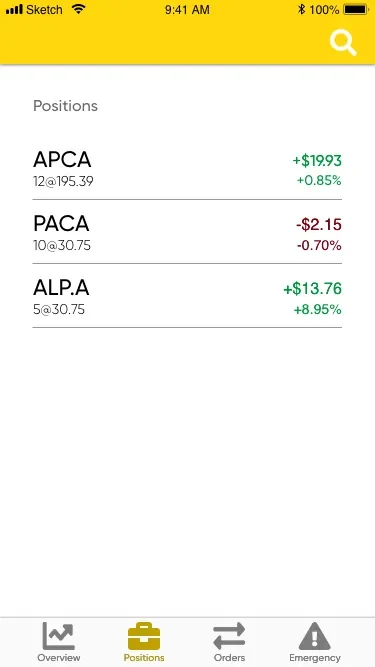
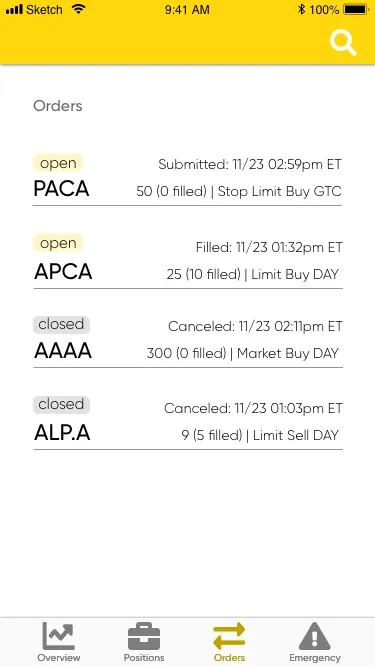
The dashboard brings together algorithm management, investment performance, and buying power. It also shows the status of positions and orders for the day, with the source describing these status updates as real-time. This information gives users a place to check current account activity alongside performance and available buying power.
Monitoring covers both positions and orders, rather than only a performance overview. Users can review the day's order and position status and keep track of algorithm performance from the same app. The source recommends checking these details regularly, but does not specify particular monitoring schedules or algorithm settings.
Account controls and trading
For order or position actions, the app provides options to cancel orders and liquidate positions. These are described as emergency controls for responding to changing market conditions. The app also lets users manually enable or disable their account's API access, giving them a control for changing whether that access is active.
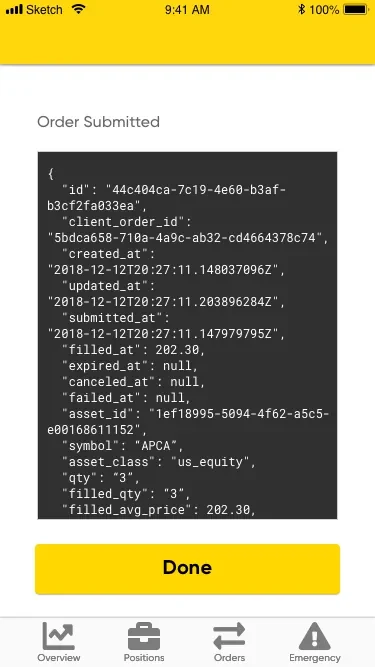
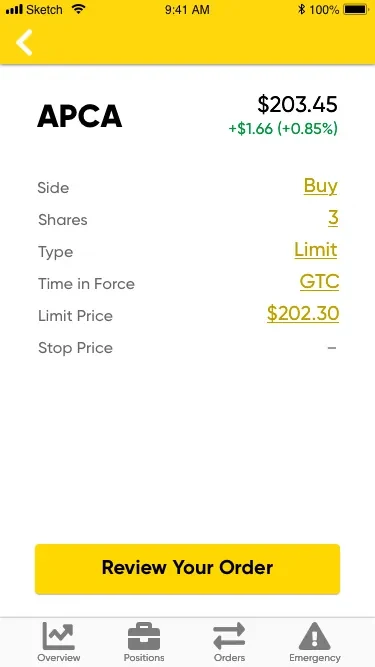
Users can place trades to buy or sell stocks directly through the app. These trading controls sit alongside the monitoring and account-management functions, so the dashboard covers both reviewing activity and taking specified actions. The source does not describe additional order types or trading instruments.
Access requirements
Access uses an API Key ID and Secret Key. After providing those credentials, users can use the dashboard's described monitoring and account controls. The source does not provide further details about credential handling, account setup, or supported API configuration.
Version history
View all13 Aug 2024 · stable