

Alarm.com
Alarm.com MobileAlarm.com provides remote access to home or business security features including cameras, locks, and lights through a single interface that requires a compatible system and service plan.
App information
- Developer
- Alarm.com Mobile
- Category
- Lifestyle
- Package name
- com.alarm.alarmmobile.android
- Version
- 5.6.1
- File size
- 99.9 MB
- Requires
- Android Language:
Screenshots
About this app
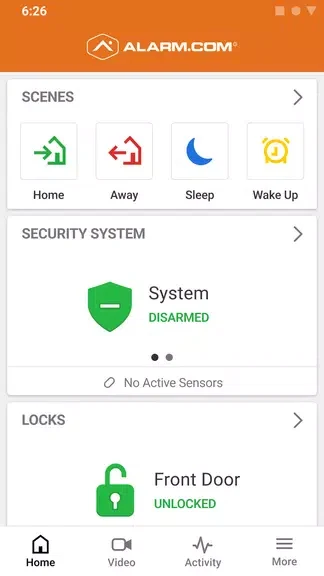
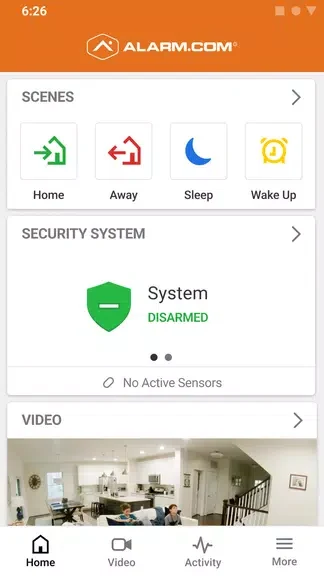
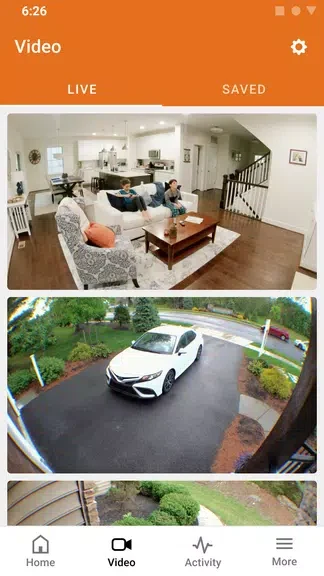
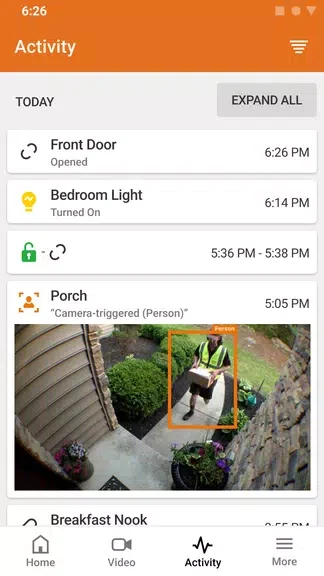
Alarm.com enables users to oversee security, access, lighting, and video devices for a home or business from any location. The app delivers live camera views along with notifications about events such as motion or door activity, allowing property owners to respond quickly whether they are on site or away. Automation options let routines for locks, lights, and alarms run on schedules or triggers, reducing the need for repeated manual adjustments throughout the day.
Managing property access and cameras
Users can view live feeds from connected cameras and communicate through doorbell units when someone arrives. Access control features permit locking or unlocking doors and managing entry permissions directly in the app, keeping records of who enters and when without requiring separate hardware interfaces.
Receiving and acting on event notifications
Intelligent alerts highlight relevant activity such as video-detected movement or sensor triggers. These notifications include options to review associated footage or adjust settings on the spot, helping users distinguish routine events from those that need attention while avoiding constant monitoring of every feed.
Creating scheduled routines
Automation tools combine multiple devices into single commands or time-based sequences. For example, a single setting can arm a security panel, turn off lights, and lock doors at a chosen hour, which streamlines repeated tasks and supports consistent daily operation across connected equipment.
System requirements and limitations
The app functions only with compatible security hardware and an active interactive service plan. Without these prerequisites, core controls for cameras, alerts, and automation remain unavailable, so users must verify equipment and subscription details before relying on remote features.
Version history
View all22 Oct 2024 · stable
Frequently asked questions
Is the app easy to use?
Yes, the app is designed to be user-friendly and intuitive, making it easy for anyone to control and monitor their property.
Can I access the app from multiple devices?
Yes, Alarm.com can be accessed from multiple devices, allowing users to stay connected no matter where they are.
Is the app compatible with all security systems?
It requires a compatible system and an interactive service plan, so it's important to check compatibility before using the app.