

3D VIP VPN
SM technology3D VIP VPN is described as a VPN for routing internet sessions through servers, hiding the user’s IP address and accessing content that may be restricted by region or an internet provider. Its description also mentions security settings, server locations and app notifications.
App information
- Developer
- SM technology
- Category
- Tools
- Package name
- com.threedbuild.vipvpn
- Version
- SC-1
- File size
- 21.7 MB
- Requires
- Android Language:
Screenshots

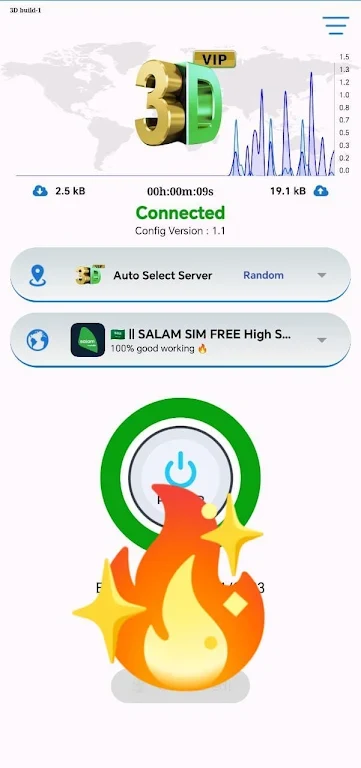
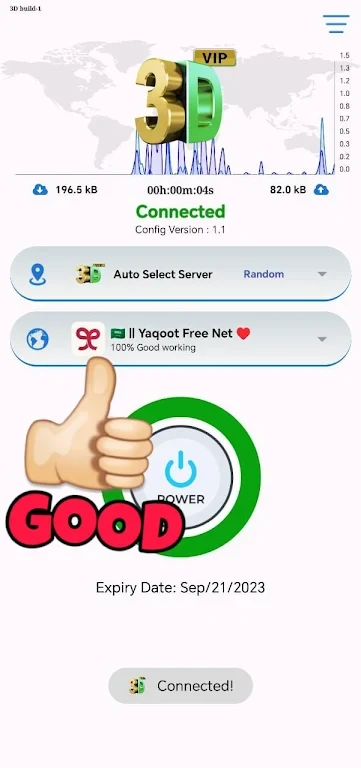
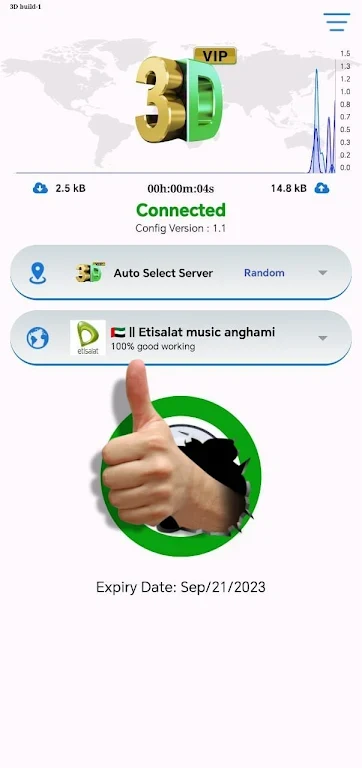
About this app
VPN connection and browsing
3D VIP VPN is an Android VPN app for routing internet sessions through servers. Its description says that sessions are encrypted as they pass through those servers and that the app hides the user’s real IP address. These are the app’s stated privacy functions; the description does not specify encryption protocols or provide details about how server connections are managed.
The app is also presented as a way to reach content that may be restricted by an internet provider or by region. The description gives streaming platforms, social media and news websites as examples of content that could be affected by restrictions. It does not identify particular services or guarantee access to any specific site.
Network and security settings
Several network settings are mentioned for users to explore, including different server locations. The description suggests trying locations to access region-specific websites or seek a more suitable connection. It does not provide a list of locations or explain how to choose among them, so these details depend on the options available in the app.
The description also refers to customizable security settings and advanced encryption options. It names a kill switch and DNS leak protection as additional features to enable through settings. These controls are presented as ways to configure the VPN experience; no technical details about their operation are provided.
Interface and notifications
3D VIP VPN is described as having an interface intended to be straightforward for people with different levels of technical experience. Its network and security settings bring together the main controls described: users can explore server locations and adjust security options rather than relying only on a single default configuration.
App notifications are another part of the described experience. The source says they can provide updates about features, security upgrades and server maintenance. This may help users stay informed about changes related to the app, while the description does not specify notification controls or how often such updates appear.
Version history
View all23 Jul 2024 · stable